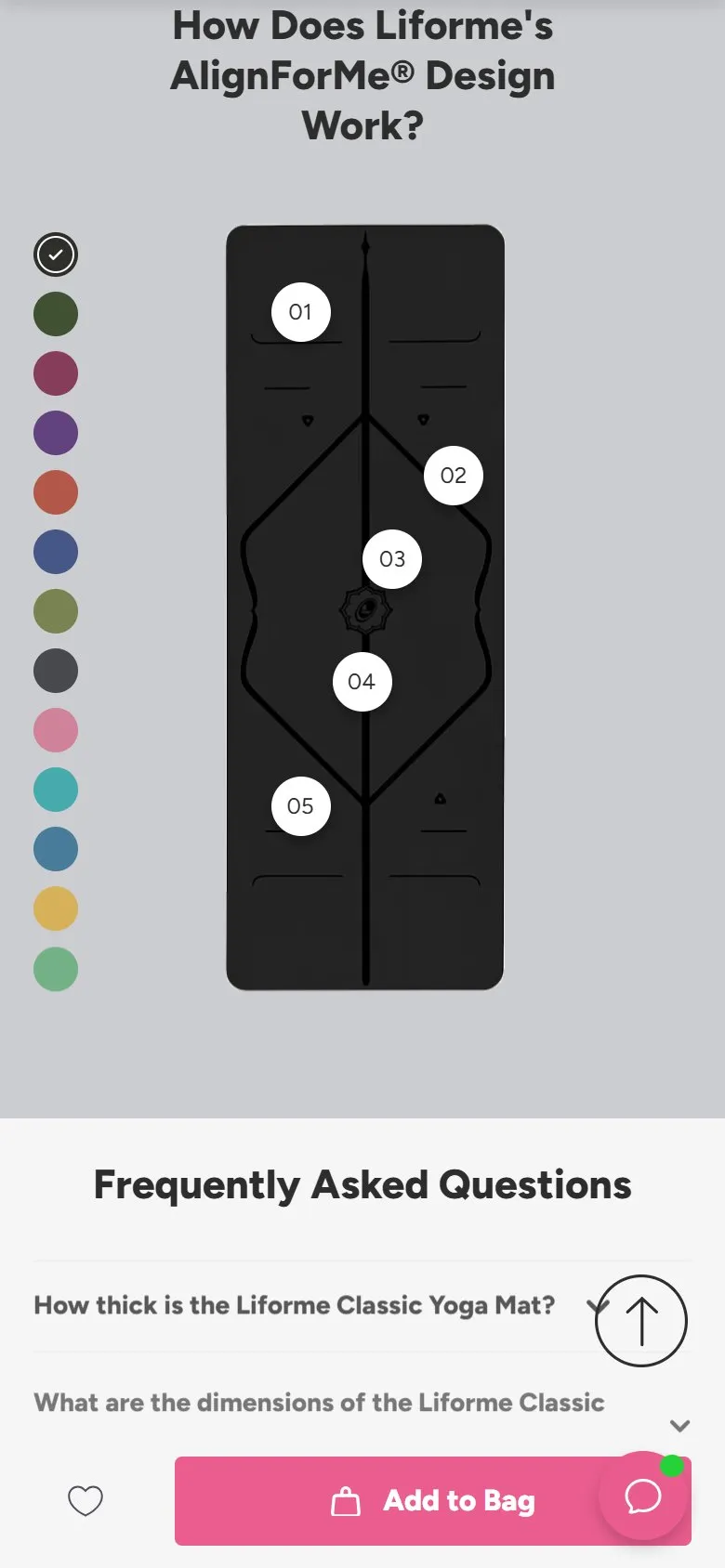
Clickable hotspots explaining each product feature
What they do
"How Does Liforme's AlignForMe Design Work?" shows the mat top-down with numbered markers (01-05) over each alignment feature. Tap or hover a number and a card explains that element (04 opens "Central Line", with a sentence on how it aids evenness in Downward Dog or Plank). A swatch column switches the mat colour in the same view.
Why it works
The mat's whole premium case is its markings, and a paragraph explaining five line systems would be homework. The hotspot pattern lets shoppers interrogate the product the way they'd inspect it in a shop: point at the bit you're curious about, get the answer, ignore the rest. Interaction is also memory; a shopper who's explored three hotspots has processed the USP far more deeply than one who's skimmed a diagram.
Makes sense when
Products whose value lives in specific physical details: technical garments, furniture joinery, appliance controls, anything where "what's that bit for?" is the natural question. Needs a good top-down product shot and one sentence per hotspot; five hotspots that each open an essay kill the lightness that makes it work.
More like this
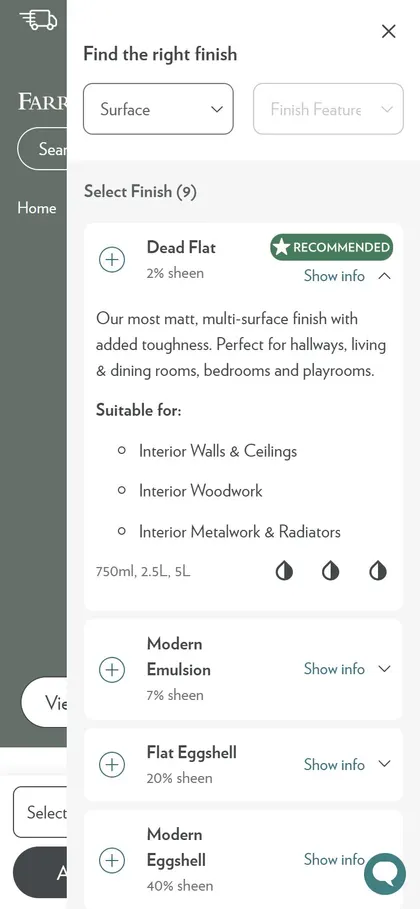
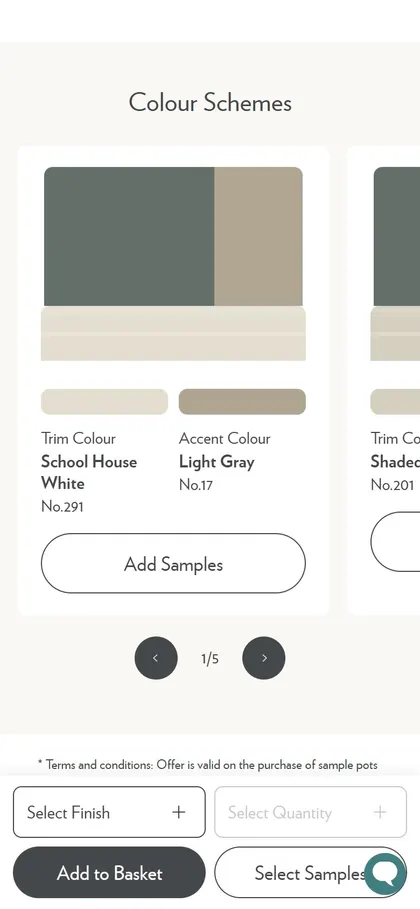
More product patterns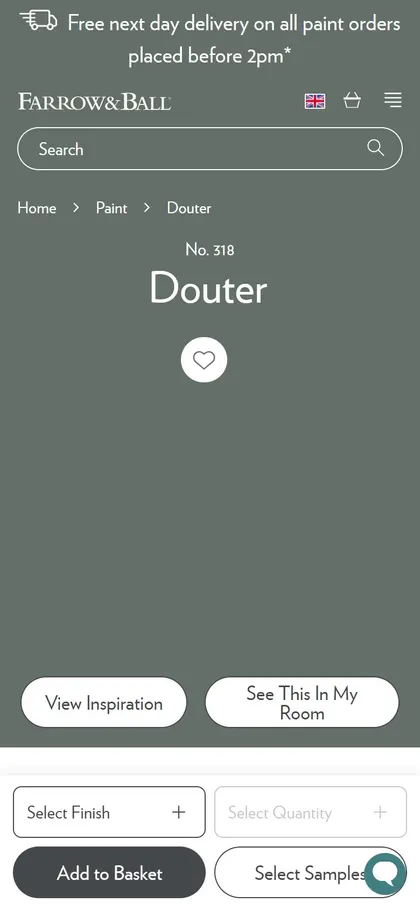
Want this on your store?
I'll tell you which of these patterns will move organic revenue for your catalogue, and which to skip.
Book a discovery call