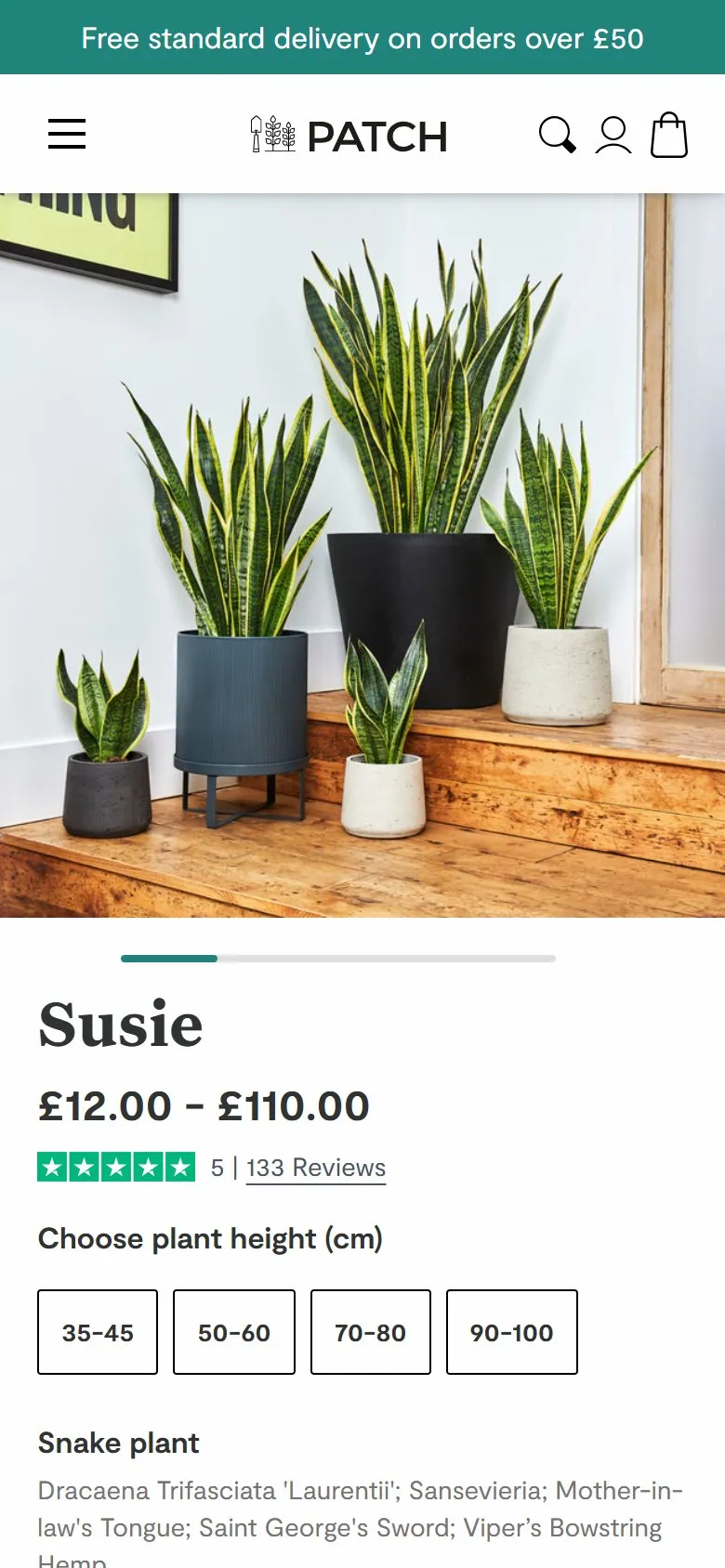
A product page that answers "can I keep it alive?" before you scroll
What they do
Susie's buy box carries the name, the price, five stars and "133 Reviews" directly under the price, then the height buttons. Underneath sit the plant's proper name and every other name it goes by ("Dracaena Trifasciata 'Laurentii'; Sansevieria; Mother-in-law's Tongue; Saint George's Sword; Viper's Bowstring Hemp"), then two icons: "Most light conditions" and "Almost unkillable". The gallery mixes studio shots with customers' own photos, tagged with their Instagram handles. Further down, "Susie likes..." covers watering, light and dusting in a line each, and Quick facts answers the rest: air purifying, height including the pot, nursery pot size (12, 17, 21 or 27cm) and "Pet/baby safe? Mildly toxic if ingested".
Why it works
Someone buying a snake plant is worried about two things: is this the plant I mean, and will I kill it. The list of names settles the first, whatever they've heard it called. The two icons settle the second in four words, right next to the button. Having the review count under the price means social proof is on show at the moment of deciding, not buried at the foot of the page. Customer photos show the plant in a normal home rather than a studio. And Quick facts gives a straight answer on pets rather than avoiding it, which earns more trust than a vague "keep out of reach". The persona name gives the brand its personality, whilst the H1 and page title stay on the words people search ("Snake plant").
Makes sense when
Products known by several names, or where the buyer's real fear is getting it wrong (plants, skincare, anything with a learning curve). Pick the one or two reassurances that matter most for the buy box and put the rest in a short facts list. Give a straight answer even when the honest one isn't flattering.
More like this
More product patterns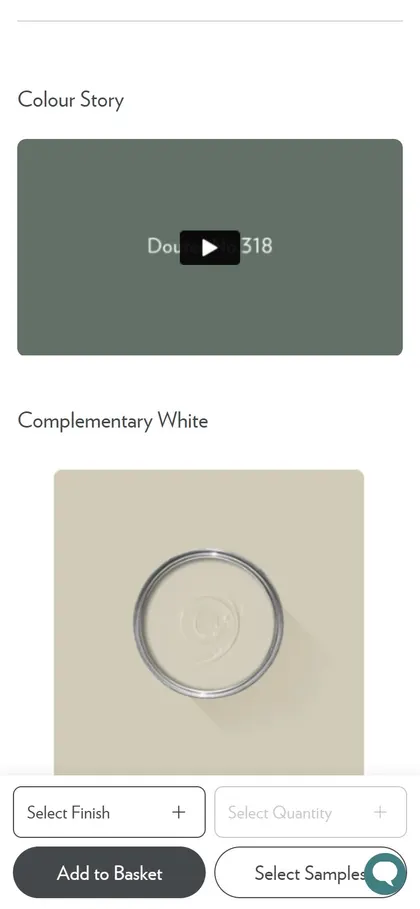
Want this on your store?
I'll tell you which of these patterns will move organic revenue for your catalogue, and which to skip.
Book a discovery call