How to fact-check AI content before it goes live
What AI gets wrong on an online shop, the ten-minute check that catches it, and the prompt that stops most of it before a word is written.
Jump to a section 7 sections
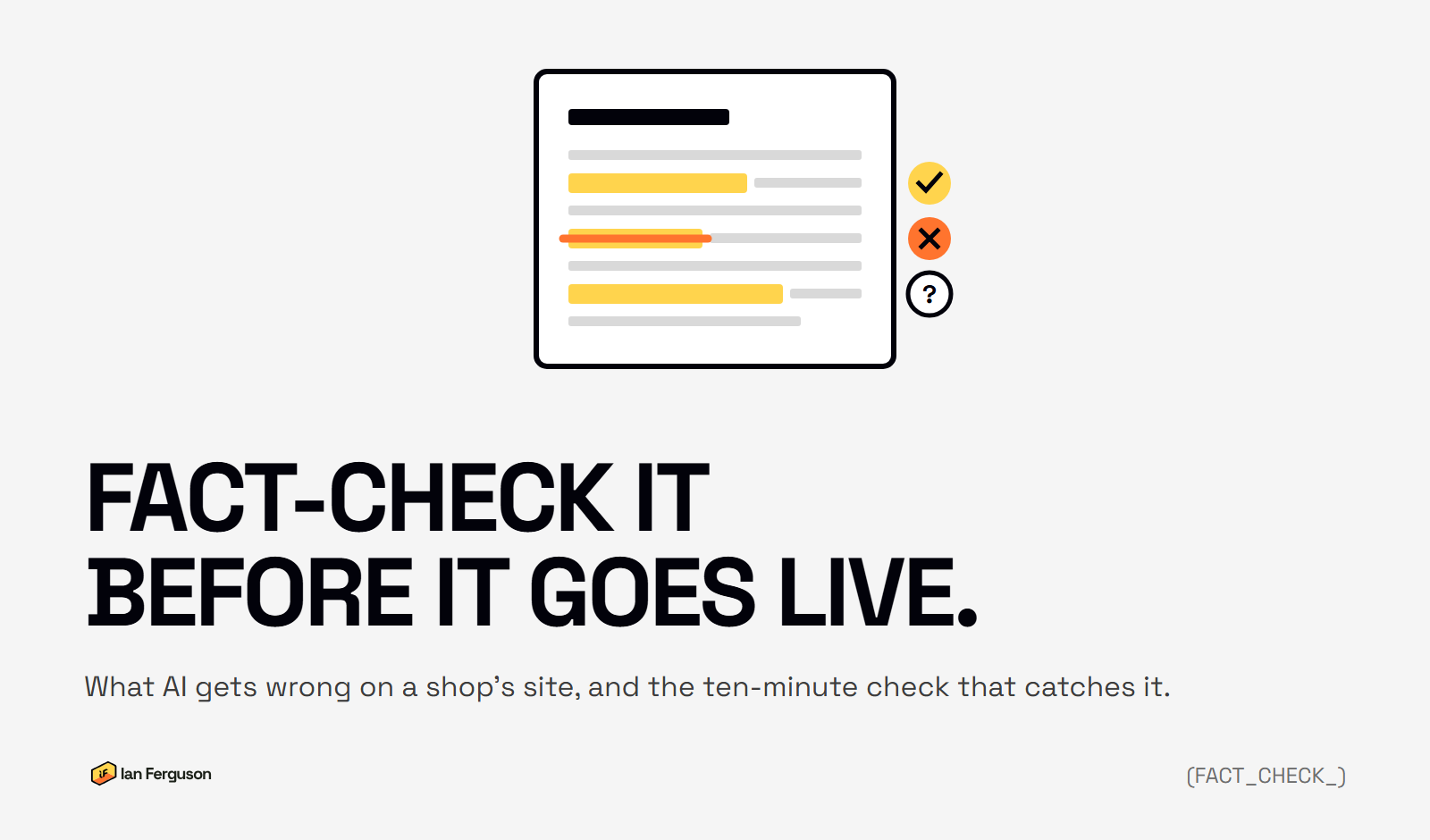
Google's guidance on AI content gained three new sentences on 1 October 2026, and the one that matters is this: "It is critical to manually factcheck and review all AI-generated content for accuracy and trustworthiness before publishing." If AI writes any of your product descriptions, category text or blog posts, that's now part of the job. Here's how to do it in about ten minutes a page.
TL;DR. AI tools don't look things up, they predict words, so they invent specs, dates, policies and quotes with total confidence. Highlight every number, name, claim and date in the draft, find the source for each one, delete what you can't source, then read the title and description as a customer. Better still, make the tool ask you for the facts before it writes, so there's less to check.
Why does AI get things wrong?
Google's own explanation is the clearest one: "generative models don't retrieve facts, but predict a likely sequence of words based on their training data. Because of this, generative AI outputs may contain inaccuracies (also known as hallucinations)."
In plain terms, the tool isn't checking anything. It's writing the sentence that usually comes next. Most of the time that sentence is right, because most of the time the usual thing is true. When it isn't, you get a confident paragraph with a made-up delivery time in it, and nothing in the paragraph looks any different.
The best-known example is CNET. In January 2023 it published 77 short finance explainers written with an AI tool and ended up correcting 41 of them. The one that started it told readers that $10,000 in a savings account at 3% would "earn" them $10,300 in the first year, as CNN reported. The right figure was $300. Nothing about the sentence looked wrong. A year later Amazon was removing listings named after a chatbot's refusal message, for the same reason: nobody had read them.
What does AI get wrong on a shop's site?
The same things, over and over. If you know what to look for, you'll find most of them in a minute.
- Specs. Dimensions, weights, materials, what's in the box. AI will give a jacket a hood it doesn't have and a hedging plant a height it won't reach.
- Policies. Returns windows, delivery times, guarantees, "free delivery over £50". It'll write the policy it thinks a shop like yours would have.
- Dates and prices. Last year's price, a show that moved, a "new for 2025" that's now two years old.
- Claims that need evidence. "Waterproof", "fire-rated", "organic", "the UK's leading". Some of these are regulated. All of them need backing up.
- Quotes and reviews. A "customer" who doesn't exist, or a real review tidied into something they didn't say.
- Numbers in titles. "10 tips" with seven underneath it. Harmless-looking, and it's the first thing a reader notices.
- Structured data. The price, stock status and rating Google reads off the page. Get those wrong and it's not just inaccurate, it's against Google's structured data policies, which Google can penalise, with a notice in Search Console.
- Titles and descriptions. Google added these to the review on 1 October for a reason: they're the bits that appear in search results, and the bits nobody reads back.

The ten-minute check
Do this on the final draft, after your last edit, not on the first version. Checking a draft you then change is checking nothing.
- Highlight every number, name, date and claim. Sizes, prices, delivery times, place names, people, "best", "only", "first", "guaranteed". Two minutes with a highlighter, or select-all and read for anything specific.
- Find the source for each one. Your own product data, the supplier's spec sheet, the official page, your actual returns policy. Not another AI, and not the draft itself.
- Delete what you can't source. Don't soften it, don't reword it. If you can't prove it, it goes. A shorter true page beats a longer one with a made-up line in it.
- Read the title and meta description as a customer. Does the title promise what the page delivers? Does the description describe this page, not a generic one? Is there a number in either that the page doesn't back up?
- Check what Google reads. If the page carries product or review structured data, make sure the price, stock status and rating match what's on the page. Google's Rich Results Test shows you what it sees.
- Read it aloud. Where you stumble, something's wrong: a claim you'd never make, a word you'd never use, a sentence that only exists to fill space.
The first time takes longer than ten minutes. By the third page you'll know where the tool you use tends to make things up, and you'll go straight there.
Make it ask you first
Most of the checking disappears if the facts come from you in the first place. Instead of "write a description for X", start with this:
Before you write anything, ask me five questions about this product: what's different about it compared with similar ones, who it's for, what customers ask about it, what goes wrong with it, and what I'd say about it over the counter. Wait for my answers. Then write the description using only what I've told you and the spec sheet I've pasted. If you don't know something, leave it out rather than guessing.
That last sentence is the one that matters. Left to itself, the tool fills gaps. Told not to, it mostly doesn't. You still check the result, but you're checking your own facts in its words, which is a different job from auditing a stranger's.
Who should do the checking?
The person who knows the product, not the person who ran the prompt. In a small business that's often the same person, which is fine. Where it isn't, the check goes to whoever would spot that the jacket doesn't have a hood. Google's word is "manually", and it means a human reading, not a second tool scoring the first one.
Time it, too. If a page takes two minutes to generate and ten to check, the check is the work and the generation is the shortcut. That's the right way round. If the check is being skipped to keep up with the generation, you're making bulk pages nobody reads, and Google has a policy about those.
The fact-check checklist
The same check as a list, for printing or pasting into whatever you draft in. Every "no" is a line to fix before the page goes live.
The facts
- Every size, weight, material and spec matches the supplier sheet or your own data
- Every delivery time, returns window and guarantee matches your actual policy
- Every price and date is current
- Every "waterproof", "organic", "certified" or "leading" claim has evidence you could show someone
The people
- Every quote is from a real person, in their words
- Every review is one you actually received
- Every name, place and brand is spelt right and belongs in the sentence
The bits Google shows
- The title describes this page and promises nothing the page doesn't deliver
- The meta description is about this page, not a generic version of it
- Any number in the title appears in the page
- Product and review structured data match what's on the page
- Image alt text describes the image, not the keyword
The voice
- It says what you'd say to a customer, in words you'd use
- Nothing is there only to fill space
- Someone who knows the product has read the whole thing
Questions I get asked
Do I really have to check every product description? Every one that goes live, yes. If that's not realistic for the number you want to publish, publish fewer. A smaller catalogue of pages you've read is worth more than a big one you haven't.
Will an AI detector or a "fact-check" plugin do it for me? No. Detectors guess who wrote something, which isn't the question. A second AI checking the first can agree with a hallucination as easily as it spots one. Google's word is "manually".
I've already published hundreds of AI pages. Where do I start? With the ones that get traffic, then the ones with prices, policies or claims in them. Fix those properly. Whether the rest need to go is a different question, and the other post answers it.
Isn't this a lot of work for a blog post? It's ten minutes against the cost of a customer ordering on a spec that wasn't true. And it's less work than the alternative, which is writing it yourself.
If you run an ecommerce store and want more of this once a week, that's what Ecommerce Prioritised is for.
Written by
Ian Ferguson
UK-based ecommerce SEO consultant, helping online shops with the technical SEO and content that drive organic growth.
Get the next one in your inbox
Ecommerce Prioritised is a free weekly read on growing an ecommerce store: what to prioritise, what to ignore, and the changes worth acting on.
Filed in Google & Shopify updates
Share LinkedIn