The SEO checklist you wish you'd had sooner
Jump to a section 13 sections
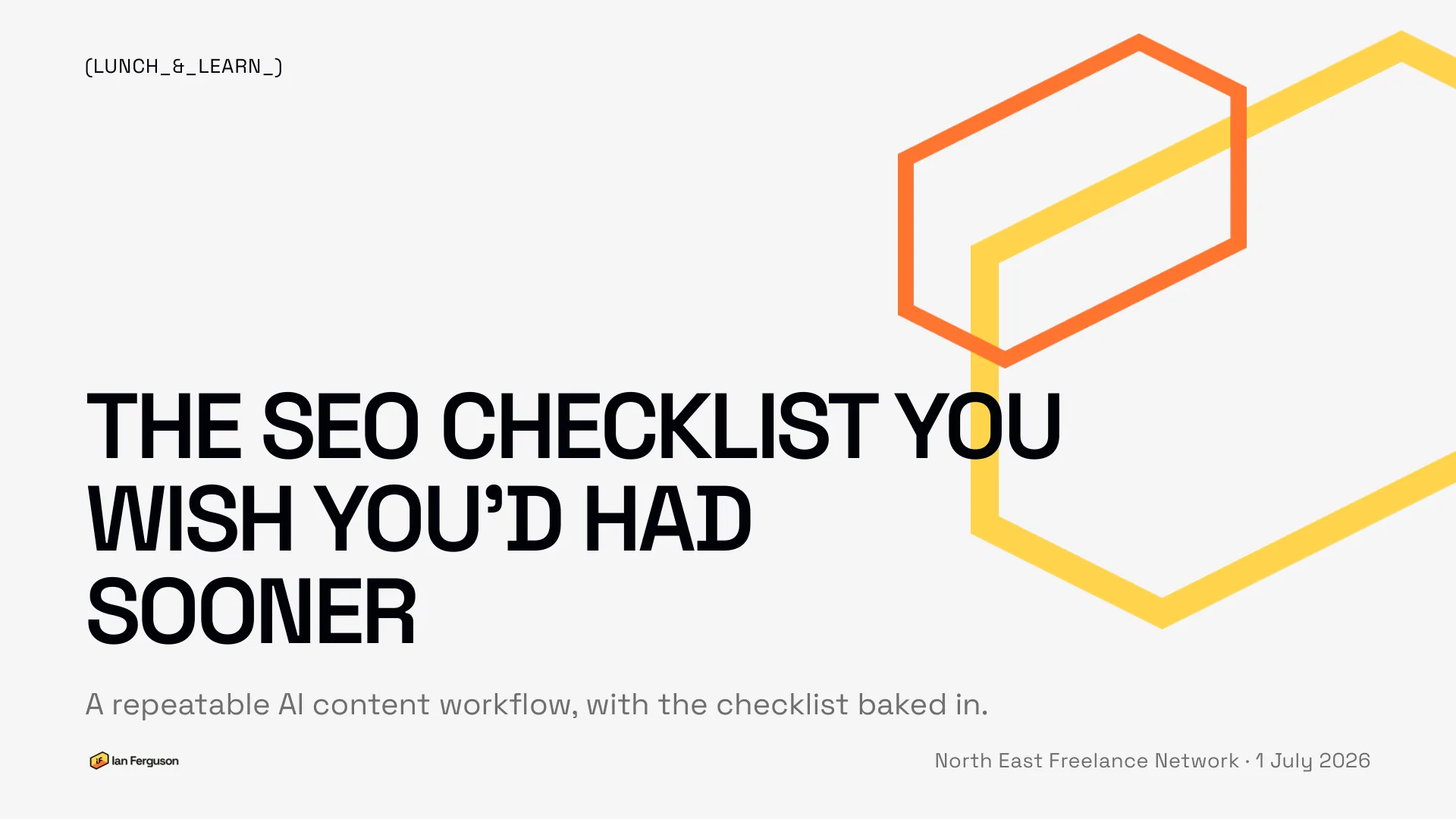
I gave this talk at the North East Freelance Network's Lunch and Learn on 1 July 2026, to a room full of other freelancers. The pitch was that nobody would sit and watch: you'd pick a subject of your own in the first minute, build the assets as we went, and leave with a workflow you could run on your next page that week.
The slides are above. Everything that was said around them is below, with all three exercises and the files I promised to send round, so you can run the session yourself in under an hour.
TL;DR. Load the right context into an AI project once: a tone-of-voice guide, Google's own quality guidance, the brand's rules, your brief and real keyword data. Add one file that makes the AI ask questions before it writes. Then check what comes back against a short list before you publish, and a shorter one after. The workflow does half the checklist for you. The files are free and they're all further down.
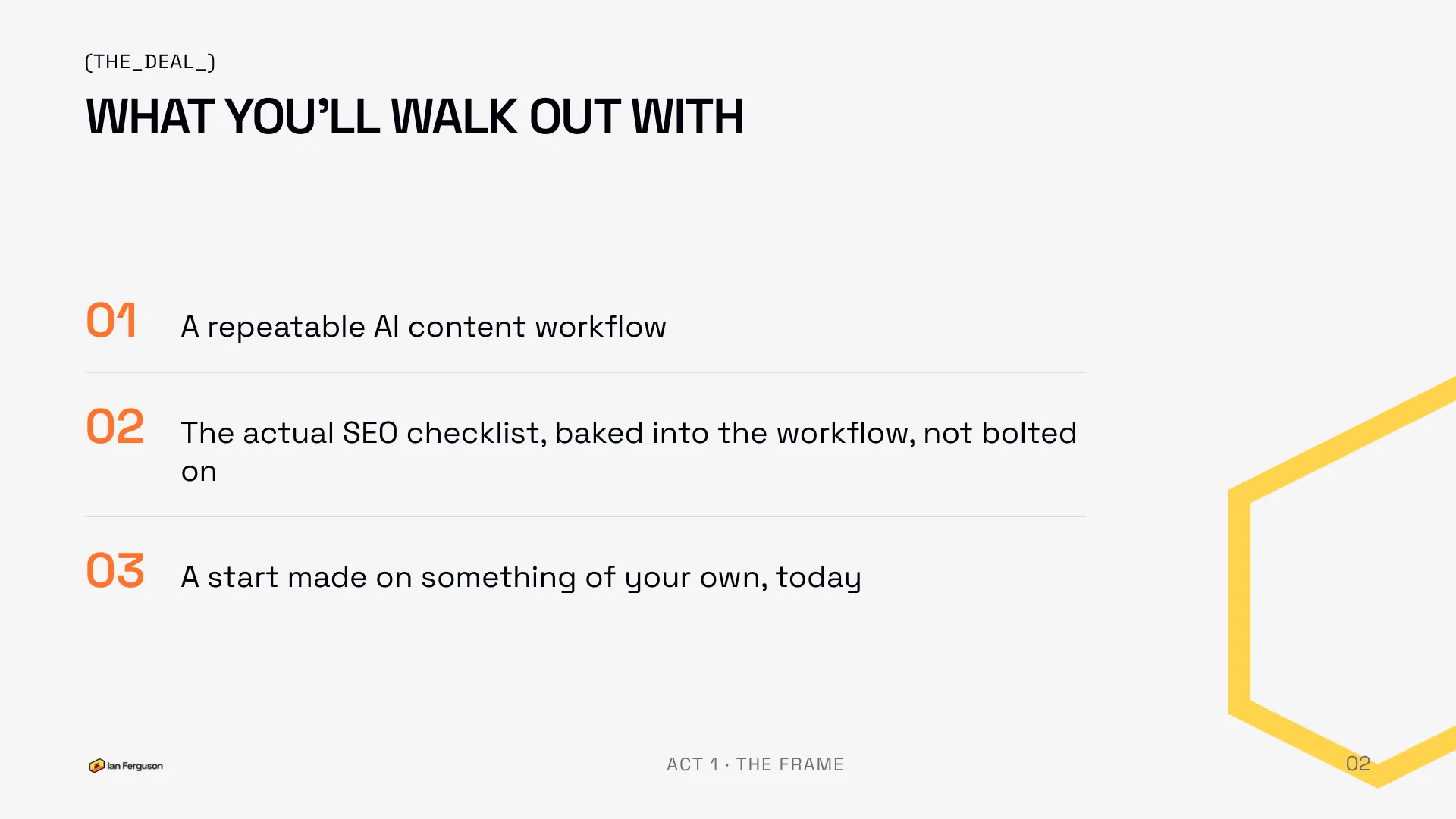
What you'll walk out with
Three things, and none of them is theory.
- A repeatable AI content workflow.
- The actual SEO checklist, baked into that workflow rather than bolted on at the end.
- A start made on something of your own, today.
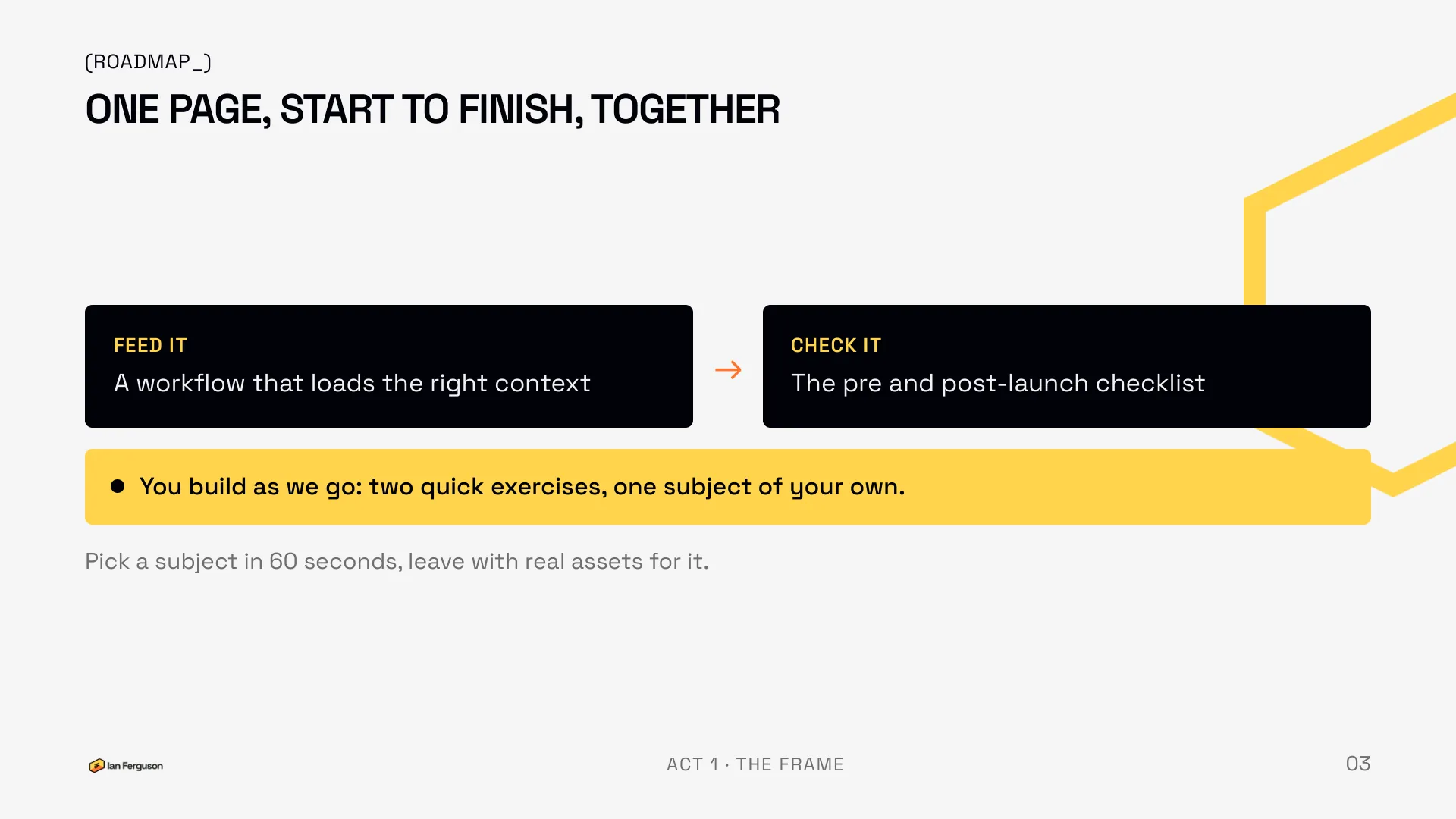
The session runs in two halves. First, feed the AI properly: a way of loading the right context so that a one-line prompt is enough. Second, check what it makes: the pre-launch and post-launch lists. There are two short hands-on bits in between where you make real assets, and the kit is one free ChatGPT or Claude tab.
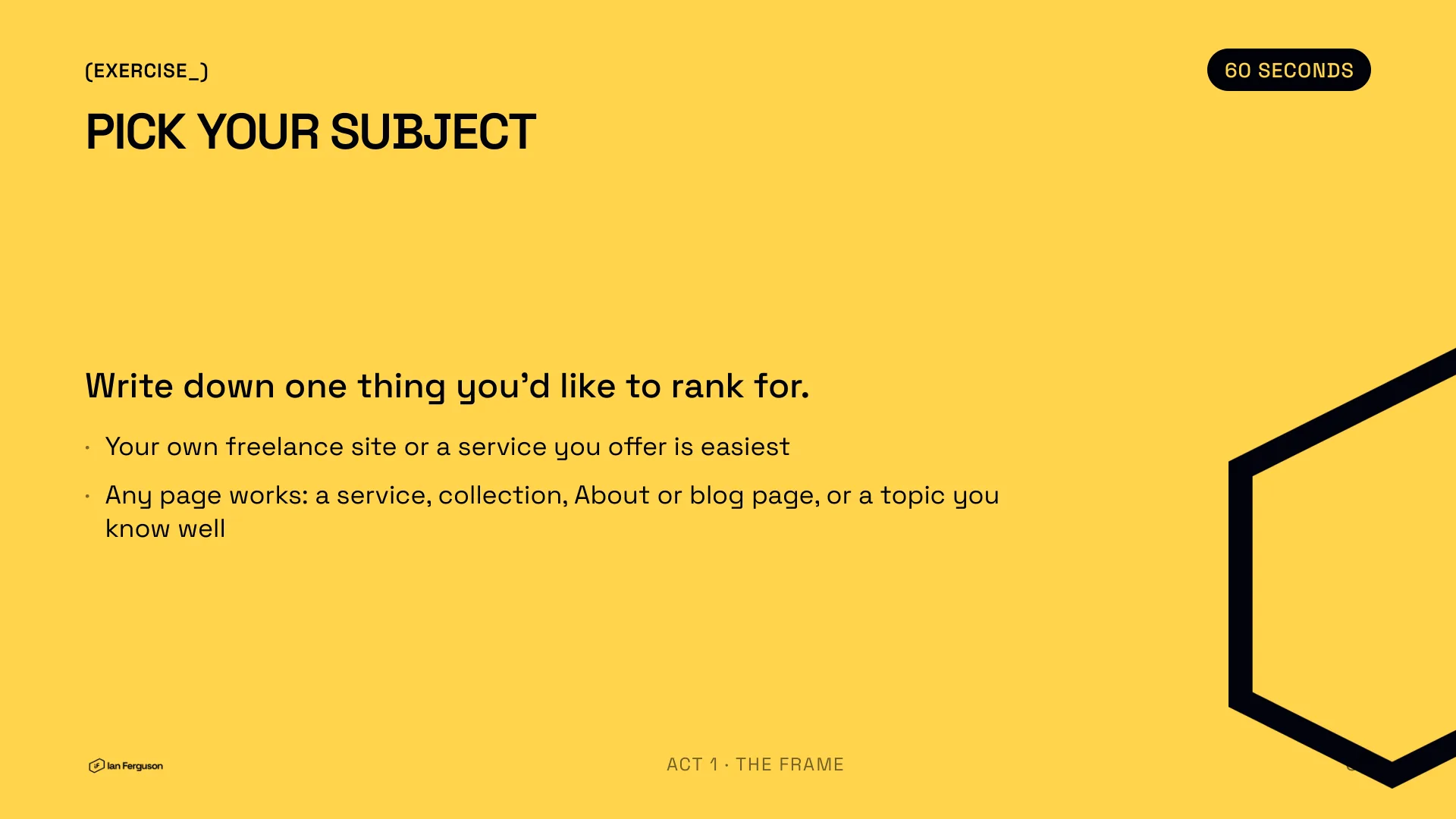
Pick your subject
Write down one thing you'd like to rank for. Your own freelance site, or a service you offer, is the easiest place to start because you don't need a client's permission for it. Any page works: a service page, a collection, an About page, a blog post, or just a topic you know well.
Actually write it down. Everything from here on is applied to it.
The workflow: one line in, pages out
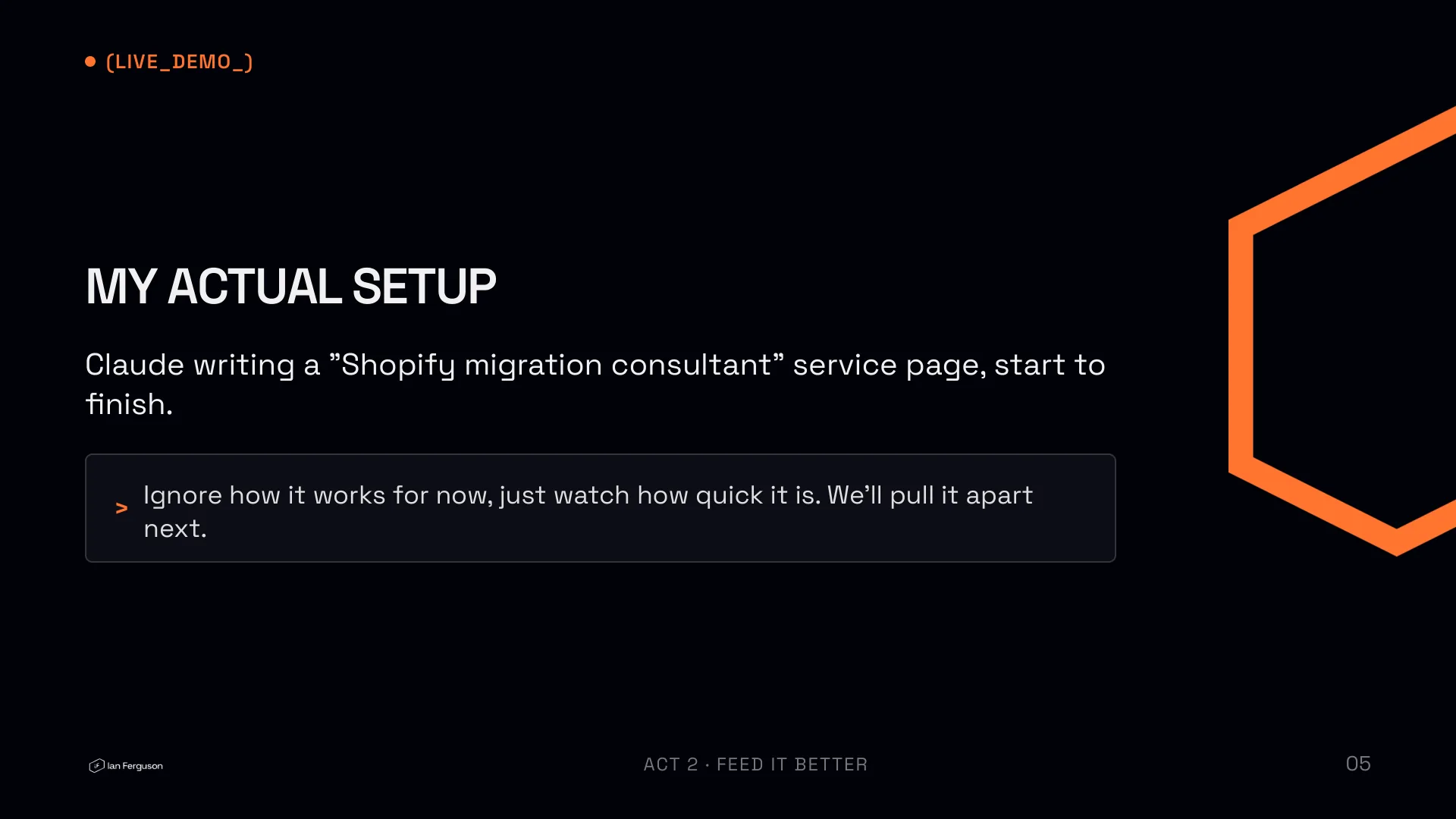
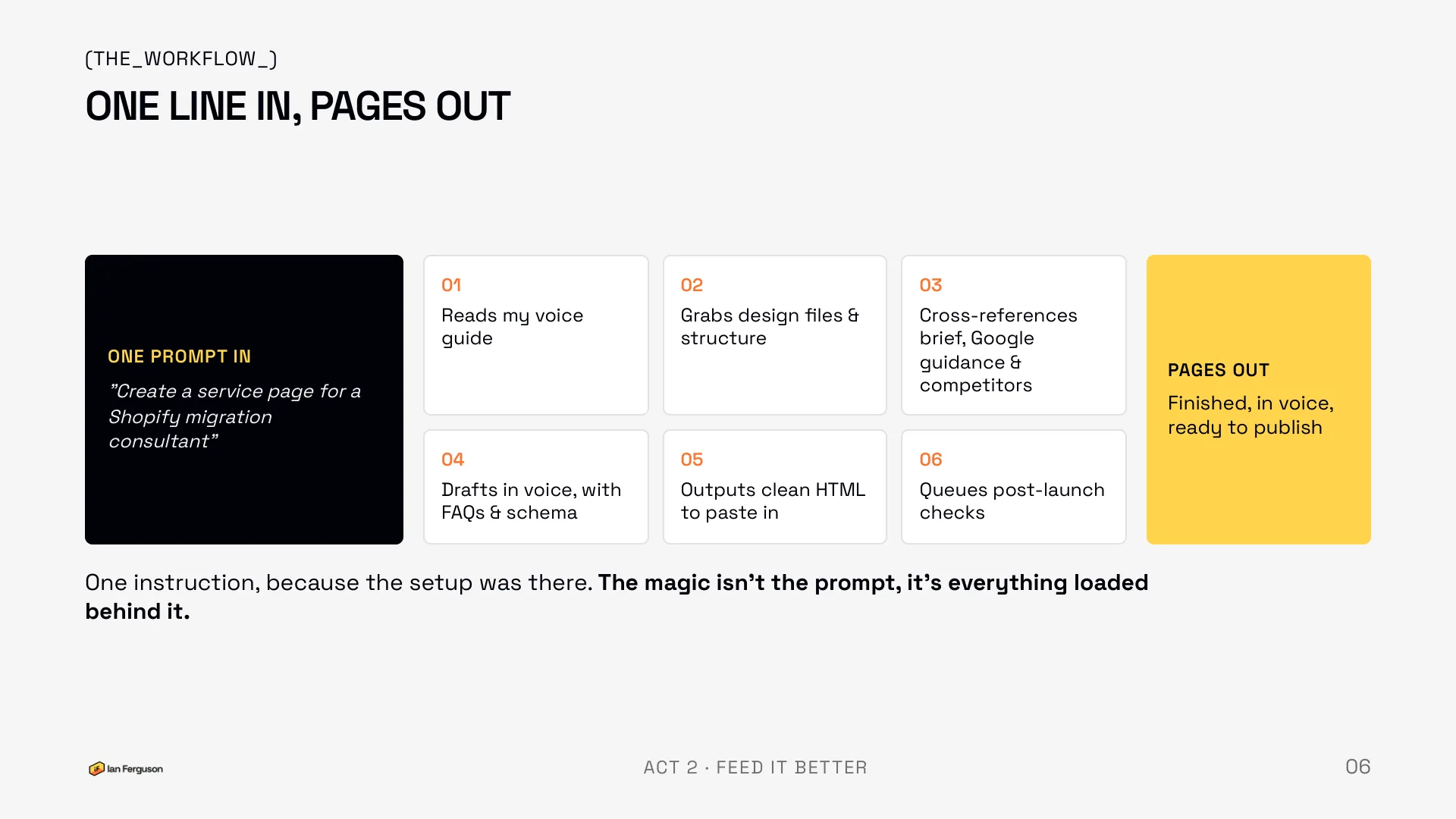
I opened with a live demo rather than an explanation. My real Claude project, one prompt, and the room watching a service page for a Shopify migration consultant get written start to finish. The instruction was, near enough, "Create a service page for a Shopify migration consultant." That's it. The page that started life as that draft is live on this site.
What happened behind that one line:
- It read my voice guide.
- It grabbed the design files and the page structure.
- It cross-referenced my brief, Google's guidance and the competitors.
- It drafted the page in my voice, with FAQs and schema.
- It output clean HTML I could paste in.
- It queued the post-launch checks.
The magic isn't the prompt. It's everything loaded behind it. Which is the whole talk in one line: better input, better output. "Write me a blog about X" gets you a generic blog about X. The same request with a voice guide, the brand's rules and a proper brief loaded gets you something you'd put your name to. The rest of this half is just what to feed it.
The five ingredients
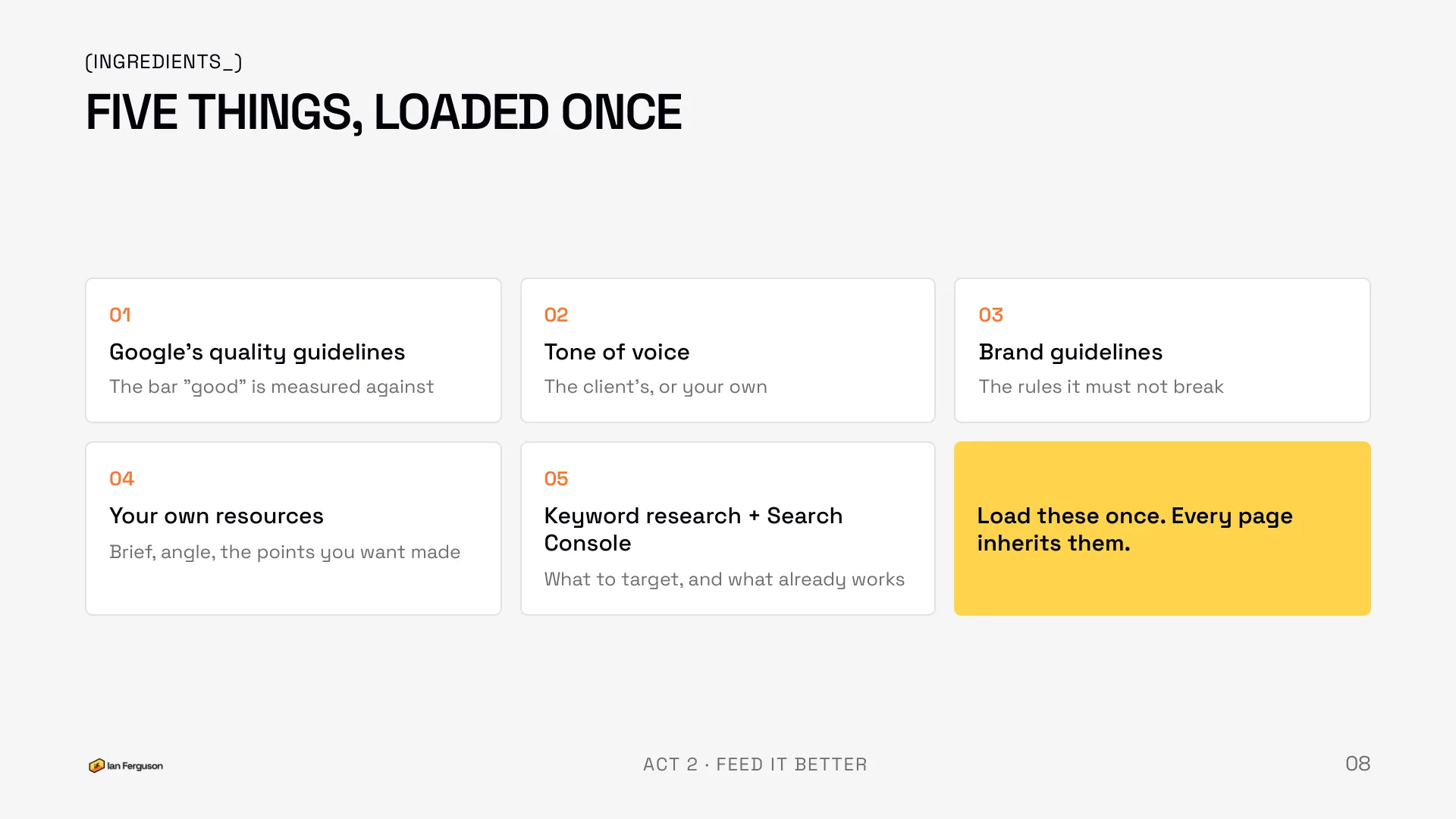
Five things, loaded once, and every page you write afterwards inherits them.
- Google's quality guidelines. The bar that "good" is measured against.
- Tone of voice. The client's, or your own.
- Brand guidelines. The rules it must not break.
- Your own resources. The brief, the angle, the points you want made.
- Keyword research and Search Console. What to target, and what already works.
Tone of voice: don't write the guide, reverse-engineer it
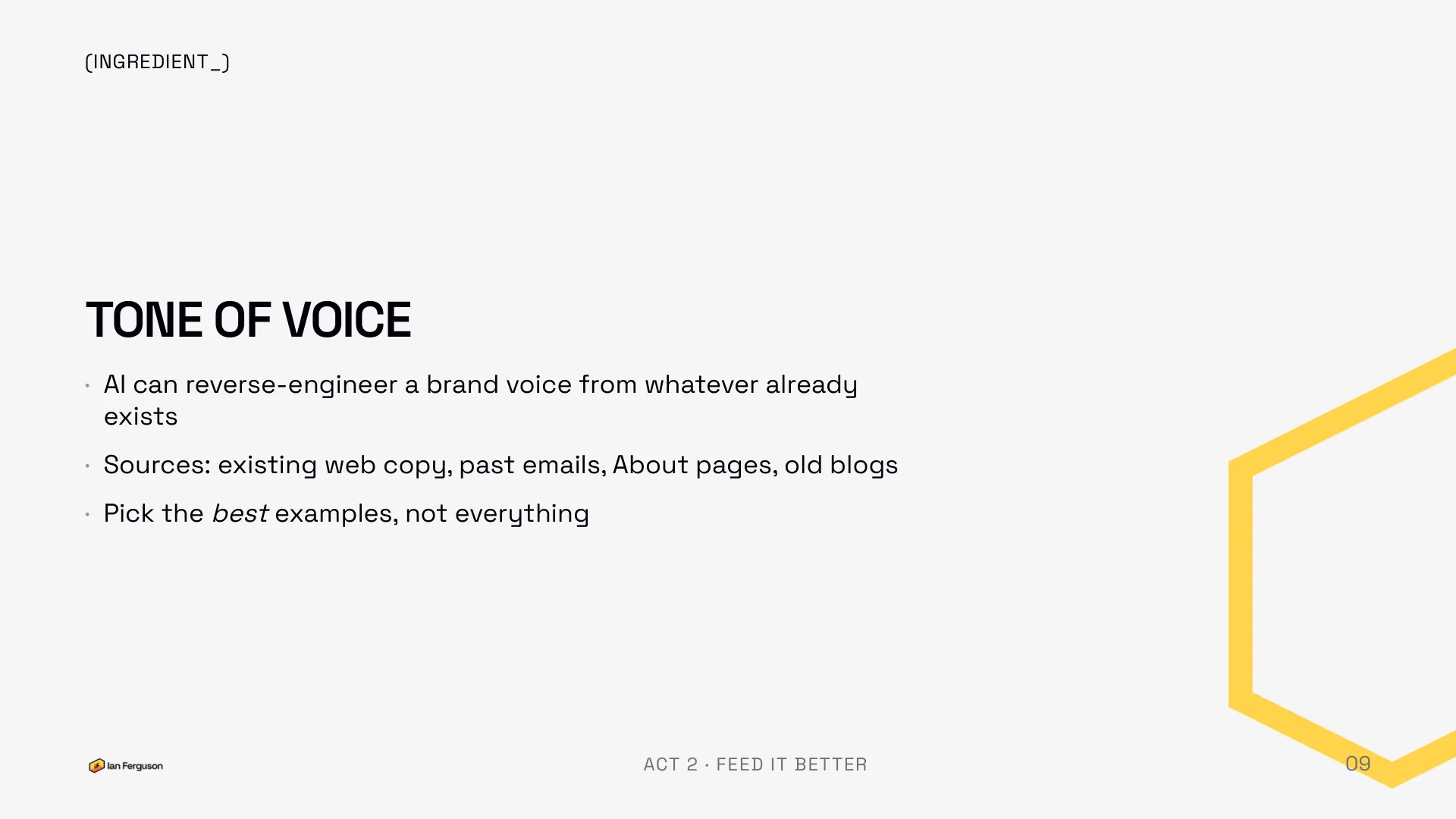
Nobody in the room had a written tone-of-voice guide, and I'd bet most of your clients don't either. You don't need to write one from scratch. AI is very good at reverse-engineering a voice from whatever already exists: the website copy, a handful of past emails, the About page, the best two or three old blog posts.
Pick the best examples, not everything. Two or three pieces of writing that sound like the person is plenty, and it's better than twenty that include the rushed ones.
Generate a tone-of-voice guide
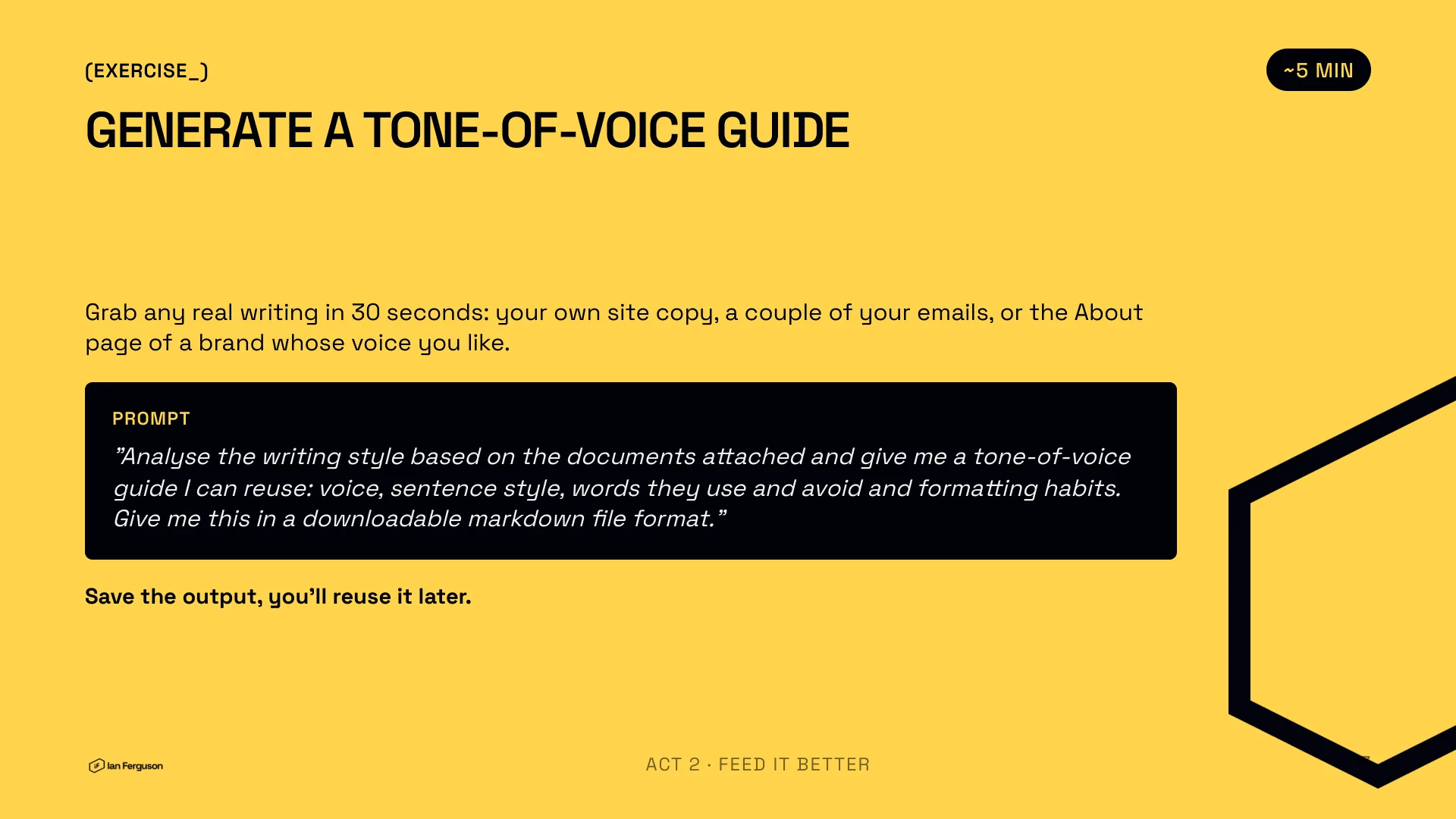
Grab any real writing in 30 seconds: your own site copy, a couple of your emails, or the About page of a brand whose voice you like. Attach them and run this prompt.
Analyse the writing style based on the documents attached and give me a tone-of-voice guide I can reuse: voice, sentence style, words they use and avoid and formatting habits. Give me this in a downloadable markdown file format.
Save the output. You'll load it into your project in a minute, and reuse it on every page after that. The bit that surprises people is how good the guide is from two or three samples.
Don't guess what "good" means
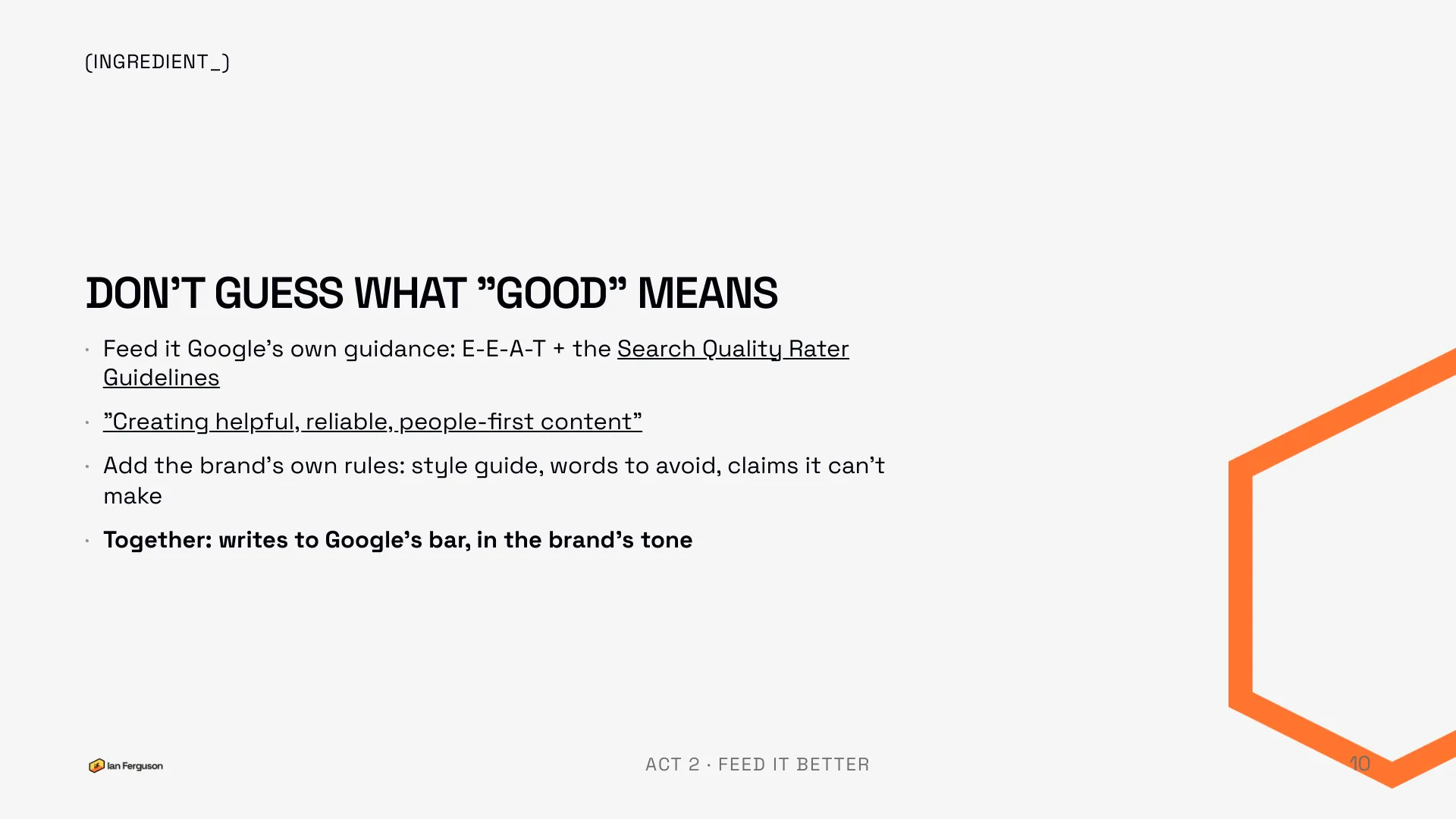
You're not guessing what Google wants. They've published it, twice, and you can feed both documents straight in.
- The Search Quality Rater Guidelines: the document Google's own human raters use to judge pages, and where E-E-A-T (experience, expertise, authoritativeness and trust) comes from.
- Creating helpful, reliable, people-first content: Google's own self-assessment questions. The rater guidelines run to a couple of hundred pages, so I wrote a plain-English summary of the helpful-content guidance that's a lot easier to load into a project. It's in the files below.
Then layer the brand's own rules on top: the style guide, the words it never uses, the claims it can't legally make. Together you get a page written to Google's bar, in the brand's tone.
Worth saying plainly, because it's the question everyone asks: AI-drafted content isn't against Google's guidelines. Using AI to mass-produce pages whose primary purpose is ranking is. Google cares what the content is, not how it got typed.
Keywords: ideas, not numbers
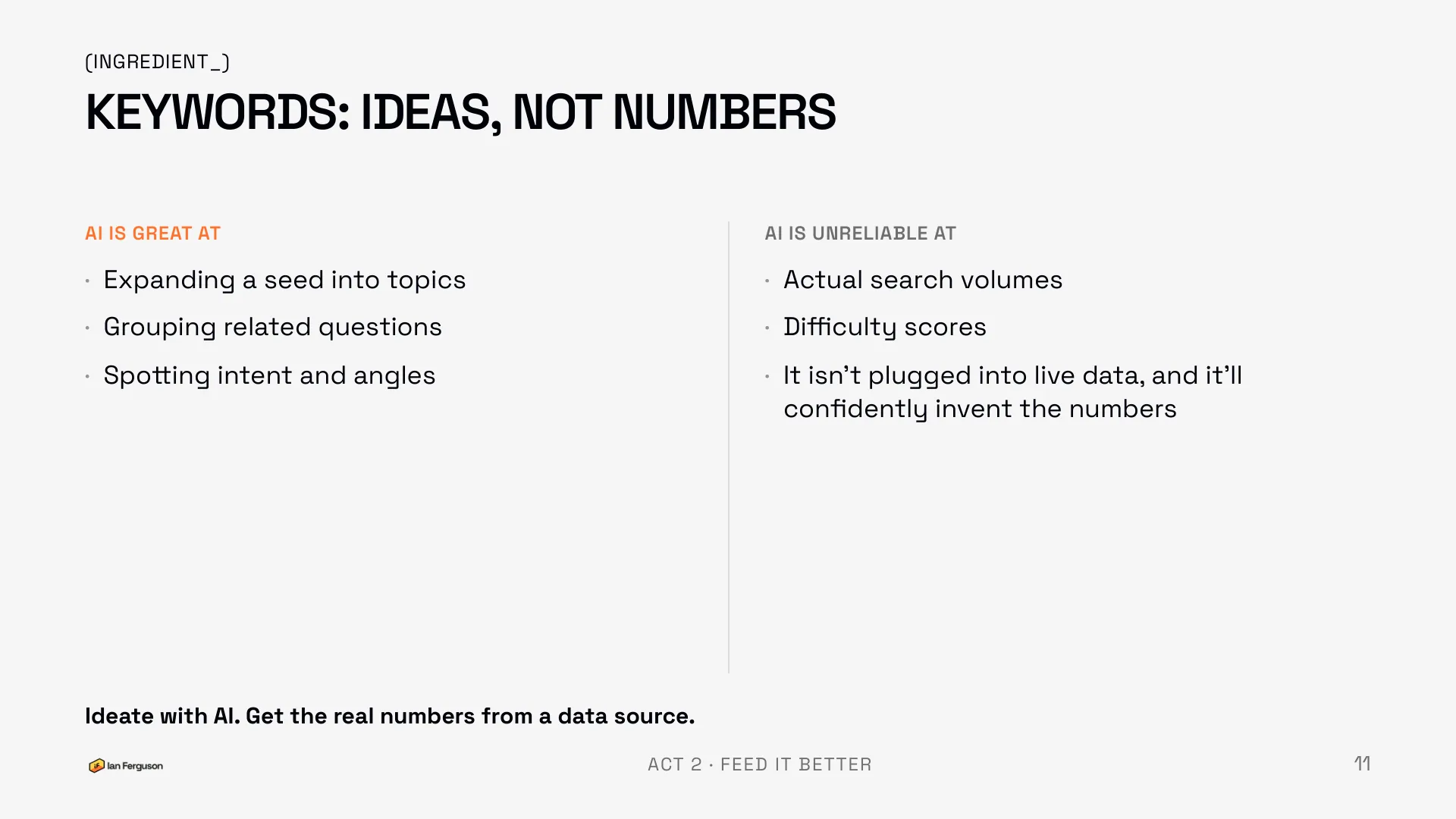
This isn't a keyword research course, so the short version. AI is great at expanding a seed keyword into topics, grouping related questions, and spotting the intent and angle behind a search. It's unreliable at search volumes and difficulty scores, because it isn't plugged into live data and it'll confidently invent the numbers rather than say so.
Ideate with AI. Get the real numbers from a keyword tool, and get what's already landing from Search Console.
Where it all lives: one project per client
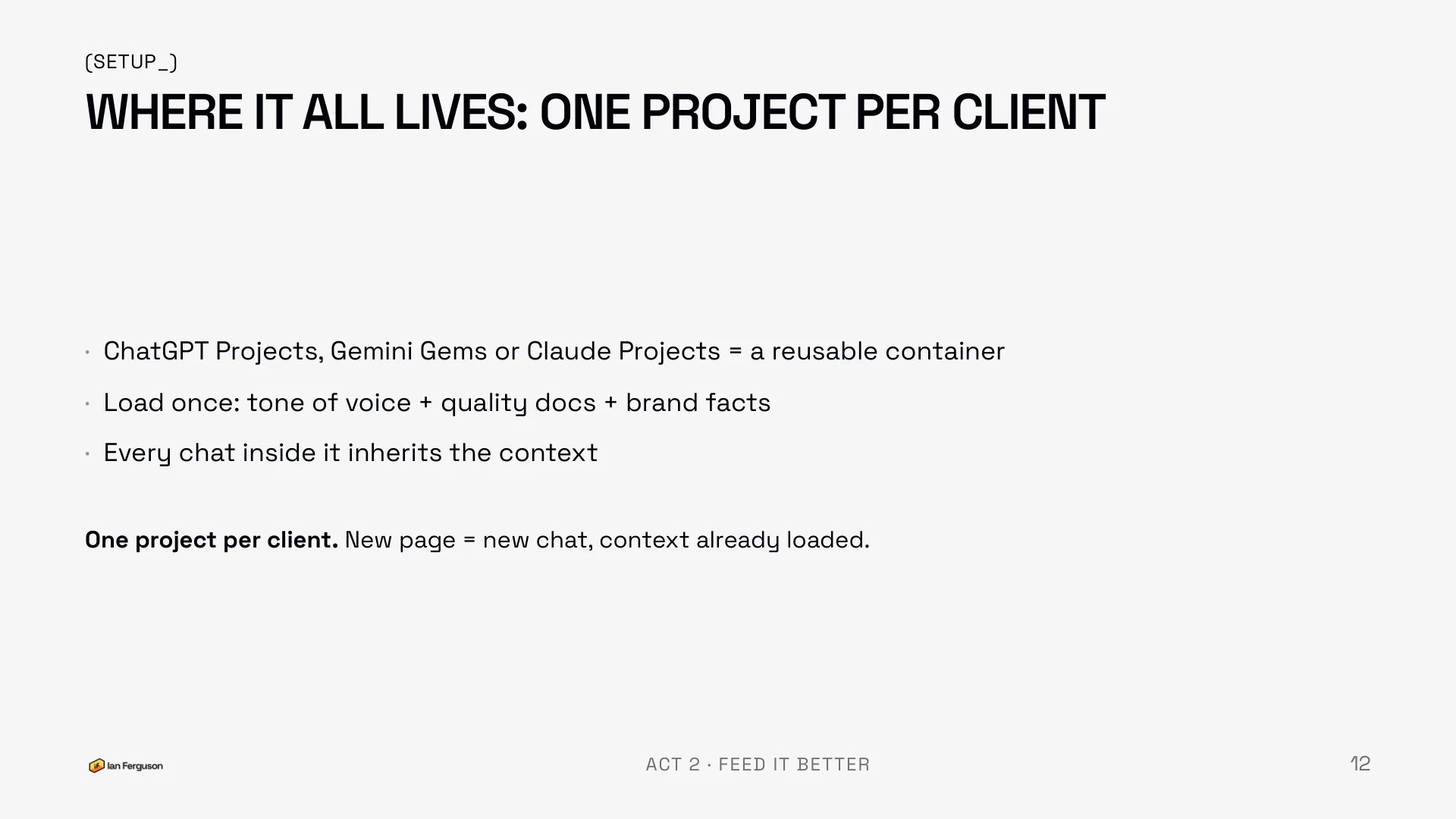
ChatGPT Projects, Gemini Gems and Claude Projects are all the same idea: a reusable container. Load the tone-of-voice guide, the quality docs and the brand facts into it once, and every chat you open inside it inherits that context.
One project per client. New page equals new chat, with everything already loaded. If you juggle a few clients, this is the single biggest time saver in the whole workflow, because you stop re-explaining who the client is every time you open a tab.
The Page Builder: one file that bakes the checklist in
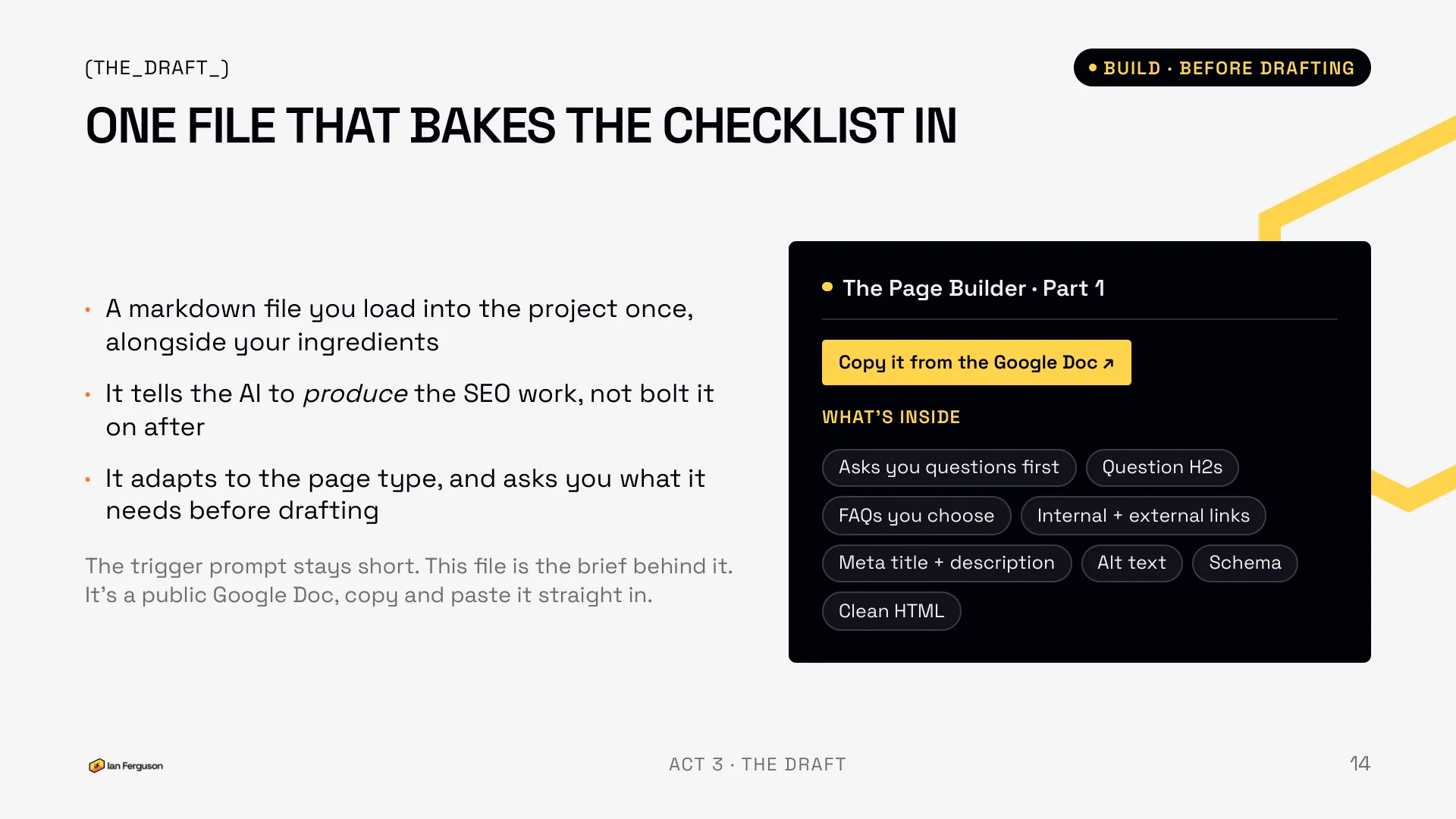
This is the most useful thing to take away. It's one markdown file that you load into the project once, alongside your ingredients. It tells the AI to produce the SEO work as part of the draft rather than bolt it on after, it adapts to the page type, and, best of all, it asks you what it needs before it writes a word.
Because the file exists, the trigger prompt stays short. "Write a service page for Ferguseo, targeting Shopify migration services" is enough. The file is the brief behind it.
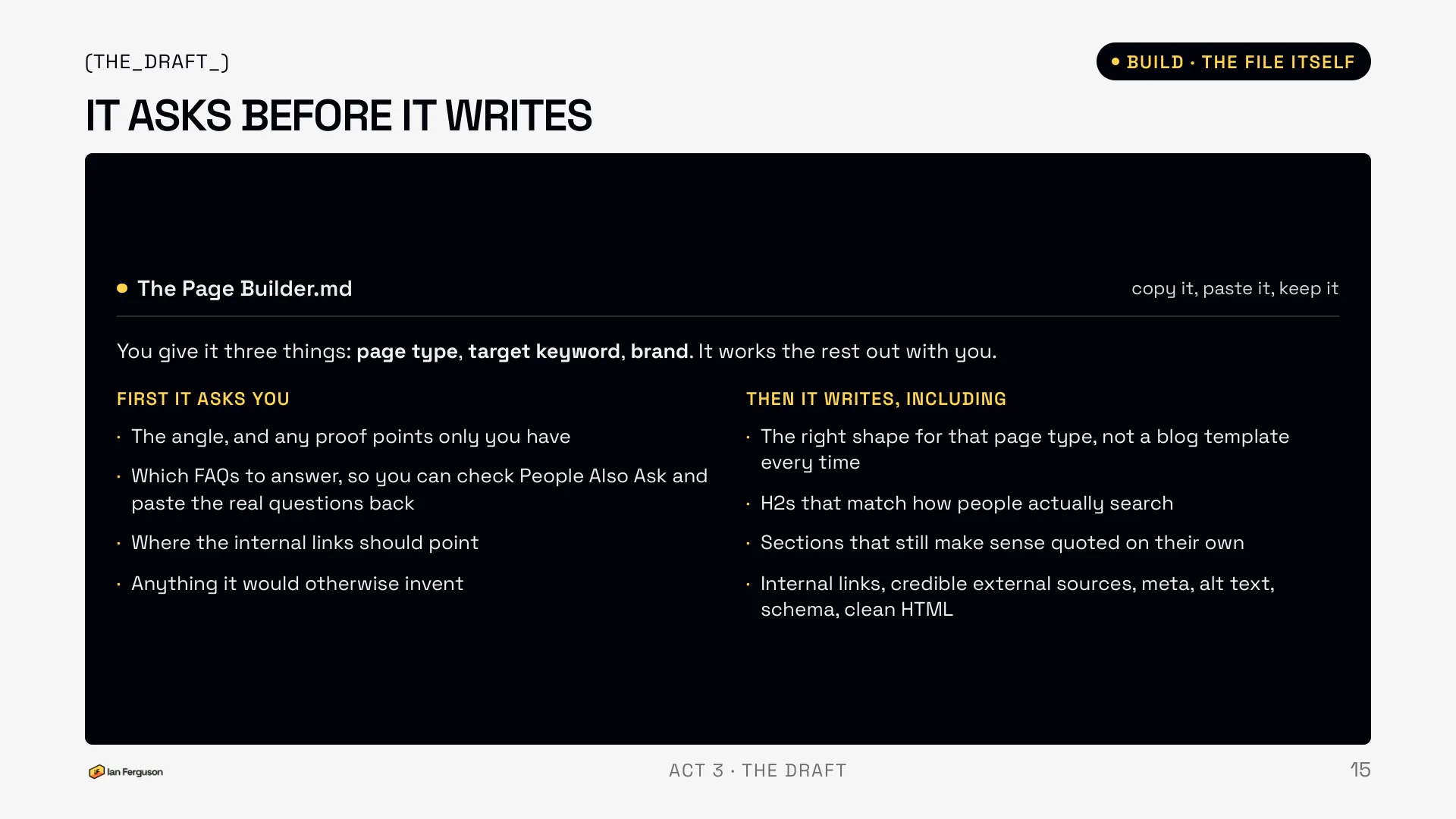
You give it three things: the page type, the target keyword and the brand. It works the rest out with you.
First it asks you
- The angle, and any proof points only you have
- Which FAQs to answer, so you can check the People Also Ask box in Google and paste the real questions back
- Where the internal links should point
- Anything it would otherwise have to invent
Then it writes, including
- The right shape for that page type, not a blog template every time
- H2s that match how people actually search
- Sections that still make sense quoted on their own
- Internal links, credible external sources, meta title and description, alt text, schema, clean HTML
The FAQ question is the one that changes the output most. It suggests some, you go and look at what Google actually shows under People Also Ask for your keyword, and you paste the real ones back. Now the page answers the questions people are asking rather than the ones a model guessed.
The same file also holds the audit prompt from exercise 3: give it a new page and it builds, give it an existing page and it audits. It's a living file. Edit it, or ask the AI to rewrite it for a page type it doesn't cover yet.
Show the full file
# The Page Builder and Auditor

Standing instructions for drafting and auditing web pages: service pages, collections, blogs, about pages, comparisons, location pages.

*Ian Ferguson · Ferguseo · ferguseo.com*

---

## Your two jobs

You have two jobs in this project, and you pick between them:

- If I ask you to write, draft or create a page, run **The Page Builder** below.
- If I give you an existing page, as pasted copy, an attached document or a URL, and ask you to check, audit, review or improve it, run **The Page Auditor** below.
- If it's genuinely unclear which I want, ask me in one line before you start.

## Rules that apply to both

- Use everything loaded in this project first: my tone-of-voice guide, my brand guidelines, Google's helpful-content and quality-rater guidance, and any brief or keyword research I've given you. Match the voice exactly and never break the brand rules.
- Never invent statistics, prices, search volumes, reviews or customer claims. If you need one, ask me.
- Write for a human reader first and an AI engine quoting the page second.
- Don't keyword-stuff, don't pad to hit a word count, and don't chop everything into confetti to chase a plugin's green score.
- Shape the work to the page type rather than to a fixed template. Skip anything that doesn't genuinely suit this page, and tell me what you left out and why.
- Flag what you're unsure about rather than smoothing over it.

## Page types, and what each one has to do

- **Service page.** Lead with the outcome the buyer wants, not your process. Cover what's included, who it's for, how it works, proof, and a clear next step. Answer "why you" and "how do I start".
- **Collection or category.** Short, useful intro copy above the products. Answer the buying questions: how to choose, what matters, sizing or spec. Don't pad.
- **Blog or article.** Informational intent. Lead with the direct answer, then the depth. An original angle or a number nobody else has is what gets it cited.
- **About.** Trust and personality. Who I am, real experience, credentials, the actual story. Voice matters most here.
- **Comparison or alternatives.** Balanced and honest, a feature matrix, and a clear "best for X" verdict.
- **Location or service area.** Genuinely local detail, not spun duplicates. Consistent name, address and phone, and local proof.

---

# The Page Builder

Run this when I ask for a new page.

## Ask me questions first

Don't guess. Come back with no more than six questions, the ones where a wrong assumption would cost me the most. Cover:

- The page type and the target keyword or subject, if I haven't said
- The angle, and what this page has to do for the business
- Any proof points, prices, specifics or original data only I have
- Which FAQs to answer. Suggest some, and tell me to check the People Also Ask box in Google and paste the real questions back to you
- Where the internal links should point
- Anything else you'd otherwise have to invent

Wait for my answers. If I say "just draft it", make your best assumptions, list them at the top of the draft, and carry on.

## Then draft it

A publish-ready first draft, with:

- An opening that suits the intent: a short direct answer for an informational page, a clear value proposition and next step for a commercial one
- One H1, then H2s phrased the way people actually search, questions where that reads naturally
- Sections that still make sense if one is quoted on its own
- An FAQ section using the questions I gave you
- Suggested internal links: anchor text, and where each should point
- One or two external links to credible primary sources where a claim needs backing
- A deliberate meta title and meta description
- Descriptive image alt text for any images you suggest
- Article, FAQ or Service schema as JSON-LD I can paste in
- The body as clean, semantic HTML, ready for the CMS

At the end, list anything you're still unsure about and anywhere you'd need a real figure, price or example from me.

---

# The Page Auditor

Run this when I give you an existing page and ask you to check it. The page might be pasted copy, an attached document or PDF, or a URL. If it's a URL, read the live page.

## Before you mark anything

Ask me for these, in one short block, unless I've already told you:

- The page type and the target keyword or subject
- What this page has to do for the business
- Whether it's live already or still a draft
- If it's live: how it's performing. Ask me to paste the Search Console rows for the URL if I have them, because a page already ranking on page one needs a different fix from one ranking nowhere
- Whether anything else on the site targets the same keyword

**Then tell me what you can't see.** If you can only read the visible text and not the page source, say so, and ask me for the specific things you need: the meta title and description, the canonical tag, the JSON-LD block, the image alt attributes. Don't guess at them and don't mark them as fine because they're probably there.

If I tell you to get on with it, audit what you can and mark the rest Unknown.

## The checklist

Mark every item **Pass / Partial / Missing / Unknown**, with one line of evidence quoted from the page. Don't be generous. Partial means it's there but weak. Unknown means you couldn't see it, and it stays Unknown until I give it to you.

**On-page**

- Target keyword in the H1, worded naturally
- A deliberate meta title and meta description, and a meta title that matches what the page actually delivers
- Short, readable, keyword-bearing URL slug
- One clear intent, not two pages fighting inside one
- H2s phrased the way people search, questions where that reads naturally
- Descriptive image alt text

**Does it match the search**

- What's currently ranking for this keyword? What type of page are those, and what do they cover that mine doesn't? If you can't check the live results, ask me to paste the top five with their titles
- Is my page the format Google is rewarding here, or the wrong shape entirely?
- Is anything else on my site competing for the same keyword?

**Content and AI visibility**

- A short direct answer near the top, before the detail
- Sections that still make sense quoted on their own
- An FAQ section answering questions people actually ask
- First-hand experience, named expertise, and signals I can be trusted
- A clear next step for the reader, suited to the intent
- Scannable: sub-headings, short paragraphs, nothing that reads as a wall
- Thin or padded sections that should be cut
- Anything factually out of date

**Links and schema**

- Internal links in and out, with anchor text that describes the destination
- One or two external links to credible primary sources
- Article, FAQ or Service schema as valid JSON-LD

## What to give me back

In this order:

1. **The verdict**, in one line: publish as is, publish with the fixes below, needs a rewrite, or leave it alone.
2. **The scorecard**: a table of every item, its mark, the evidence, and whether fixing it is high, medium or low impact for this page specifically.
3. **Fix these first**: the high-impact items only, ranked, each with why it matters and roughly how long it takes.
4. **Ready to use**: write the actual fixes for those items only. The rewritten H1, meta title and description, the new H2s, the FAQ block, the JSON-LD, the alt text. In my tone of voice, ready to paste.
5. **After it's published**: internal links to add from other pages, where to feature it so it doesn't sink, and whether to request indexing.

Quote the page rather than paraphrasing it.

If the page is already live and ranking, flag any change that risks what it's already got: a new URL, a changed H1, or cutting a section that might be the reason it ranks. Tell me the risk and let me decide, rather than folding it into the list as a quick win.

When I come back with a revised version, re-mark only the items you downgraded, and tell me if anything new has broken.
Copy it into a file called something like page-builder.md and add it to your project alongside the voice guide and the Google docs. Nothing to memorise.
What it produces
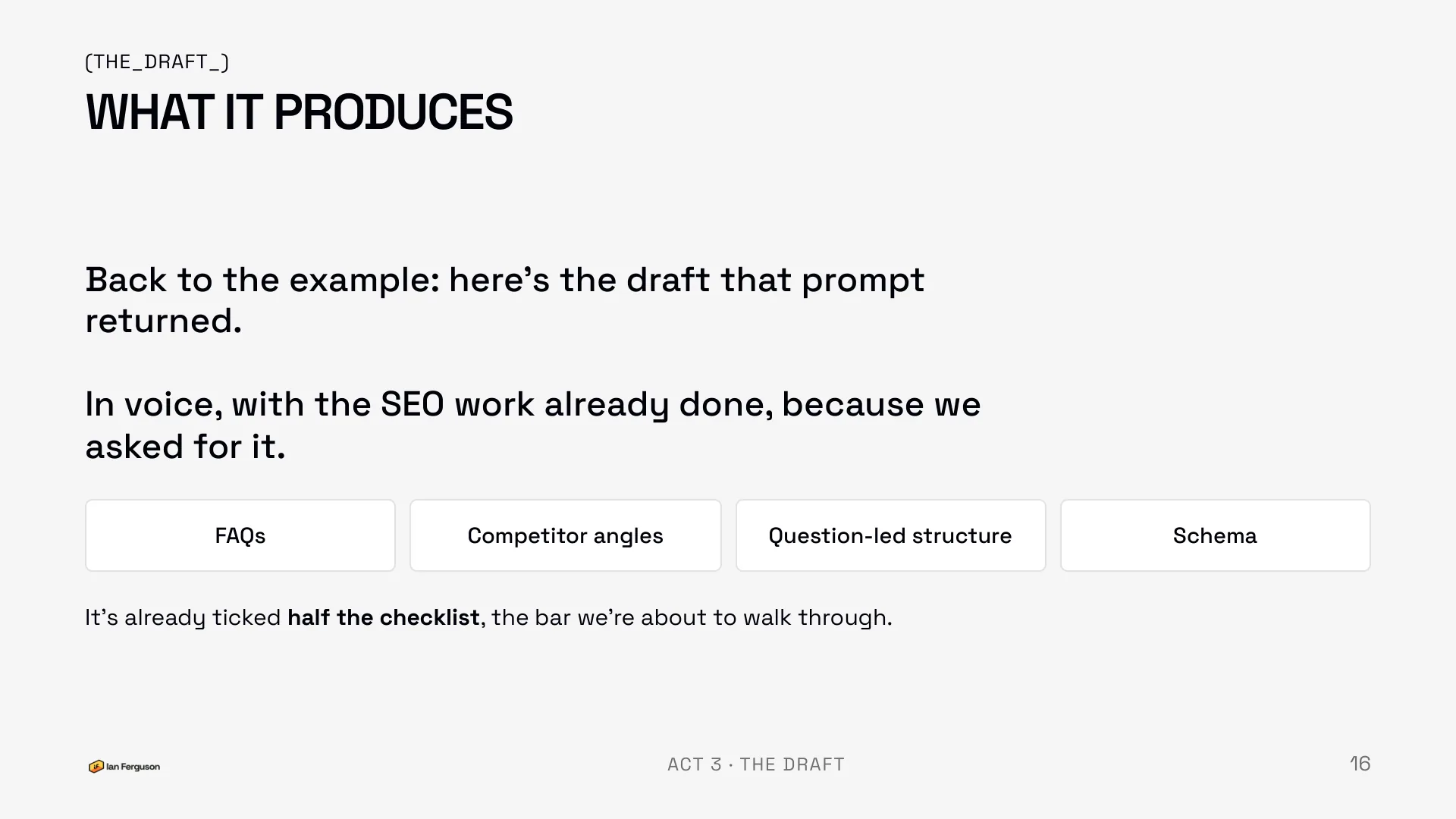
Back to the Shopify migration example. What came out of that one prompt was a draft in my voice, with the FAQs I'd chosen, a question-led structure, competitor angles, schema, a meta title and description, and clean HTML. None of that was accidental. We asked for it, and the context was loaded.
It had already ticked half the checklist we were about to walk through, which is the point. Your job shifts from doing the SEO to checking it.
AI writes the ugly first draft
Time to address the elephant, because this isn't AI taking the writing job. Ann Handley's line is that good writing starts with an ugly first draft, and getting the words down is the hard, slow bit. That's what the AI is for. It does the bulk of the ugly draft, fast.
The editing, the taste, the personality, the feel of the brand: still you. More on that in the judgement section, because it's the heart of the whole thing.
What "good" looks like before you hit publish
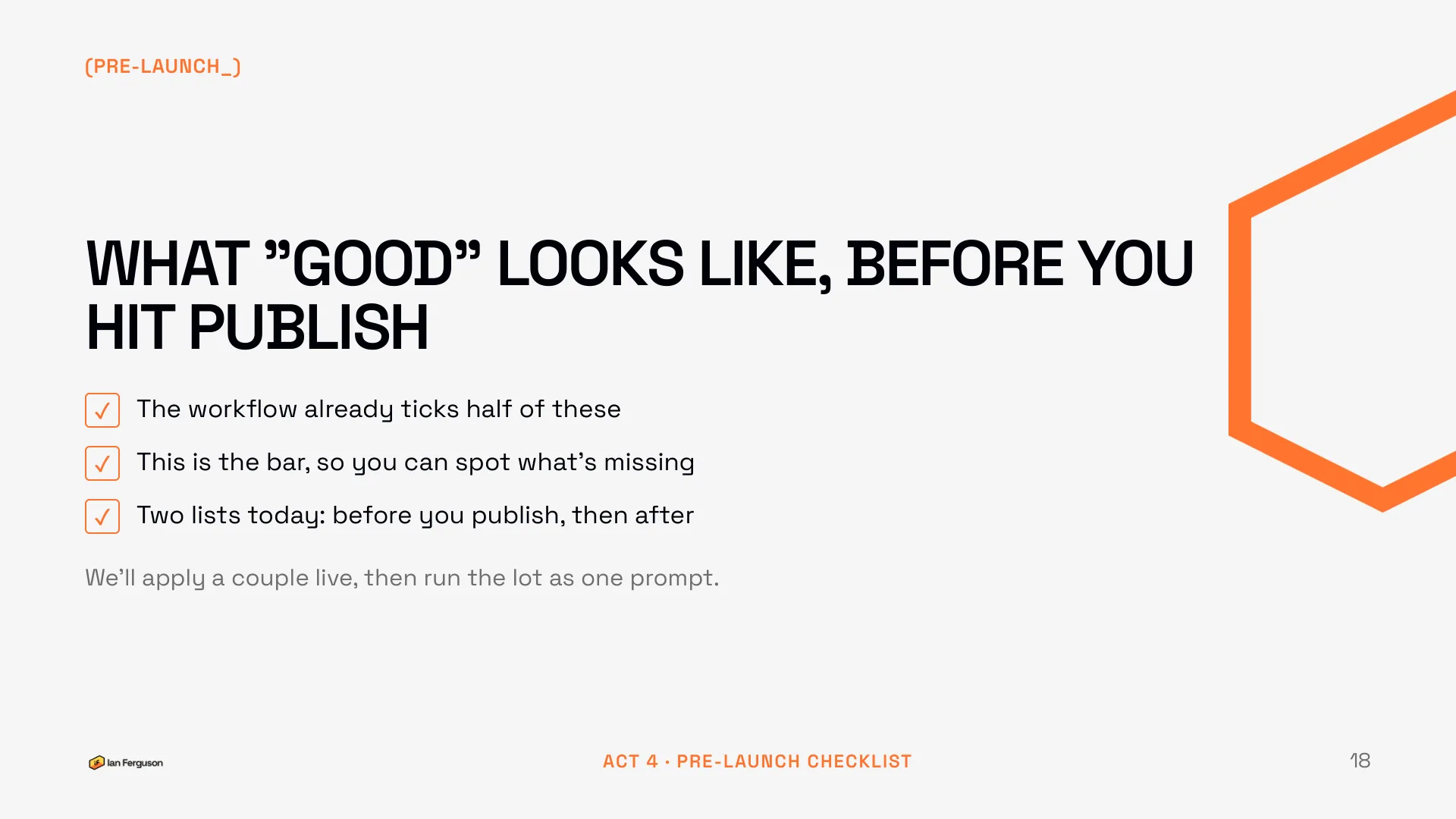
Don't panic at the length of this. Feed the AI properly and half of it is already done. The list is here so you can spot what slipped, and at the end there's one prompt that runs the lot.
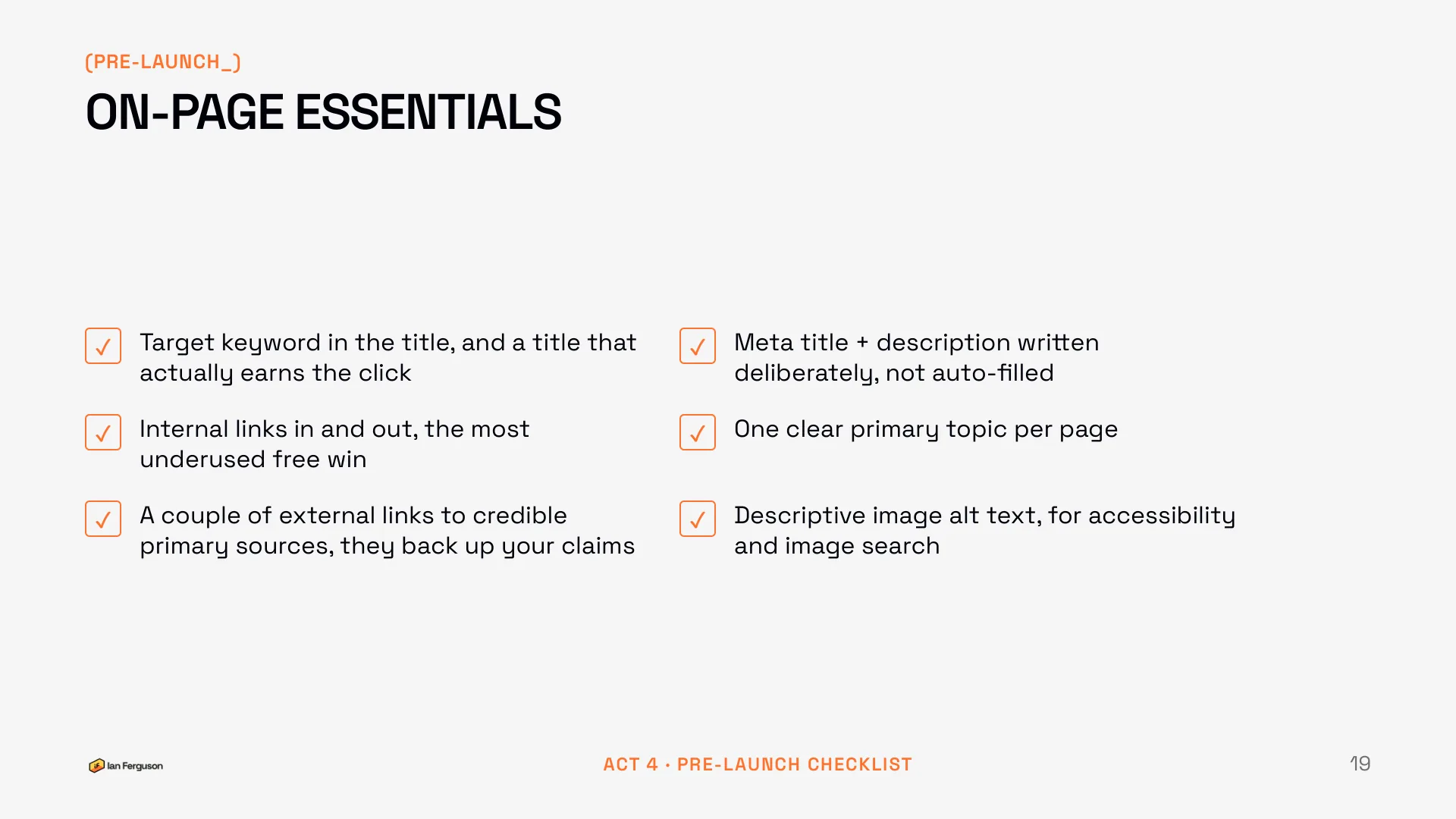
On-page essentials
Unglamorous, and these are still the things that move the needle.
- Target keyword in the title, and a title that actually earns the click
- Meta title and description written deliberately, not auto-filled. The description doesn't rank you, it earns the click
- Internal links in and out: the most underused free win there is
- One clear primary topic per page
- A couple of external links to credible primary sources. They back up your claims, and they're a trust signal, not a leak
- Descriptive image alt text, for accessibility and image search
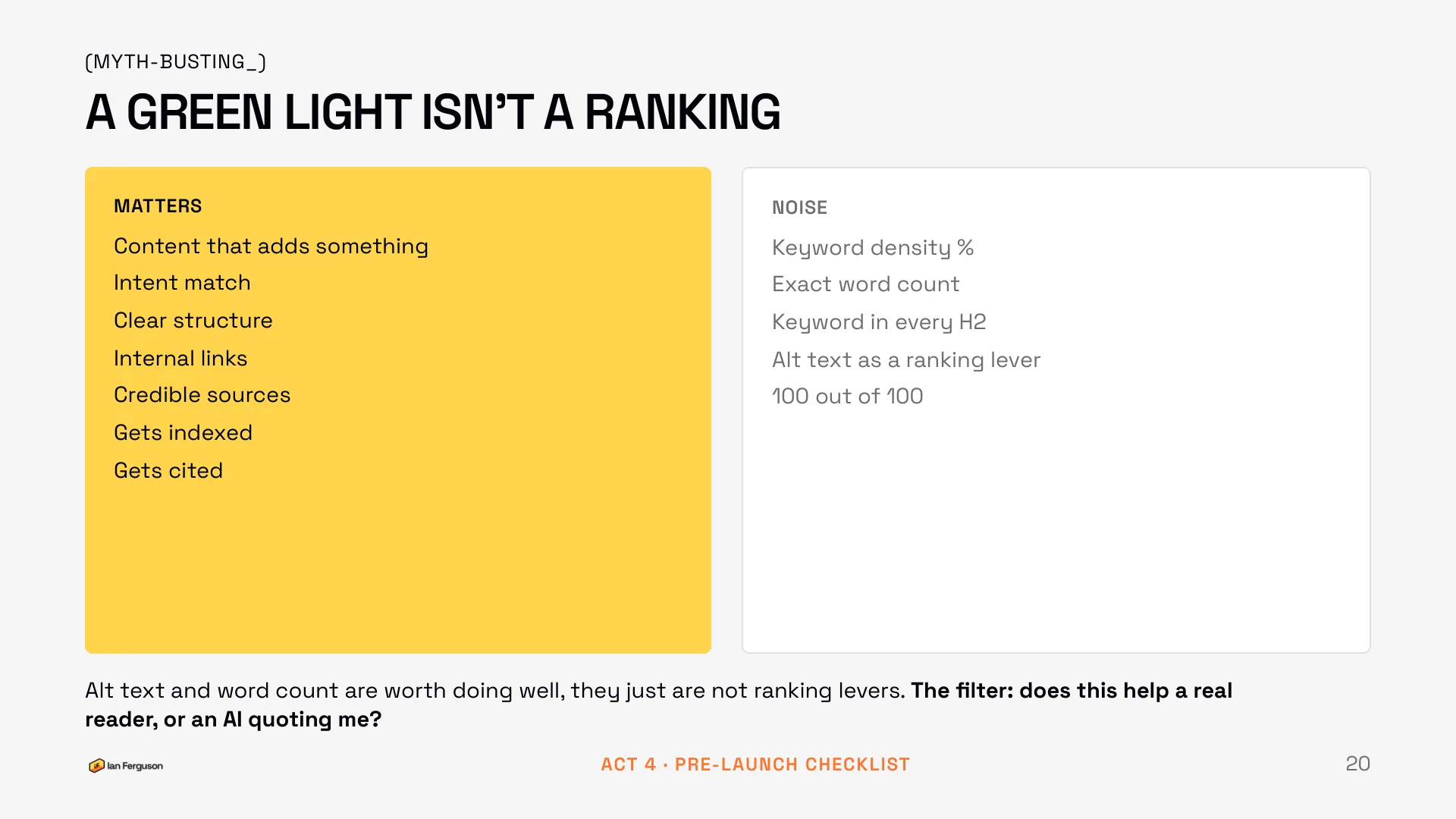
A green light isn't a ranking
This sits here because it's the other half of on-page: what to ignore. Yoast, Rank Math and the rest score your page against a fixed checklist, not against your reader. Treat the score as a prompt, not a grade.
Matters
- Content that adds something
- Intent match
- Clear structure
- Internal links
- Credible sources
- Gets indexed
- Gets cited
Noise
- Keyword density percentages
- Exact word counts
- The keyword in every H2
- Alt text as a ranking lever
- 100 out of 100
Alt text and word count are worth doing well. They just aren't ranking levers: alt text is for accessibility and image search, and on length, comprehensive wins and padding doesn't. The filter to leave with is one question. Does this help a real reader, or an AI quoting me?
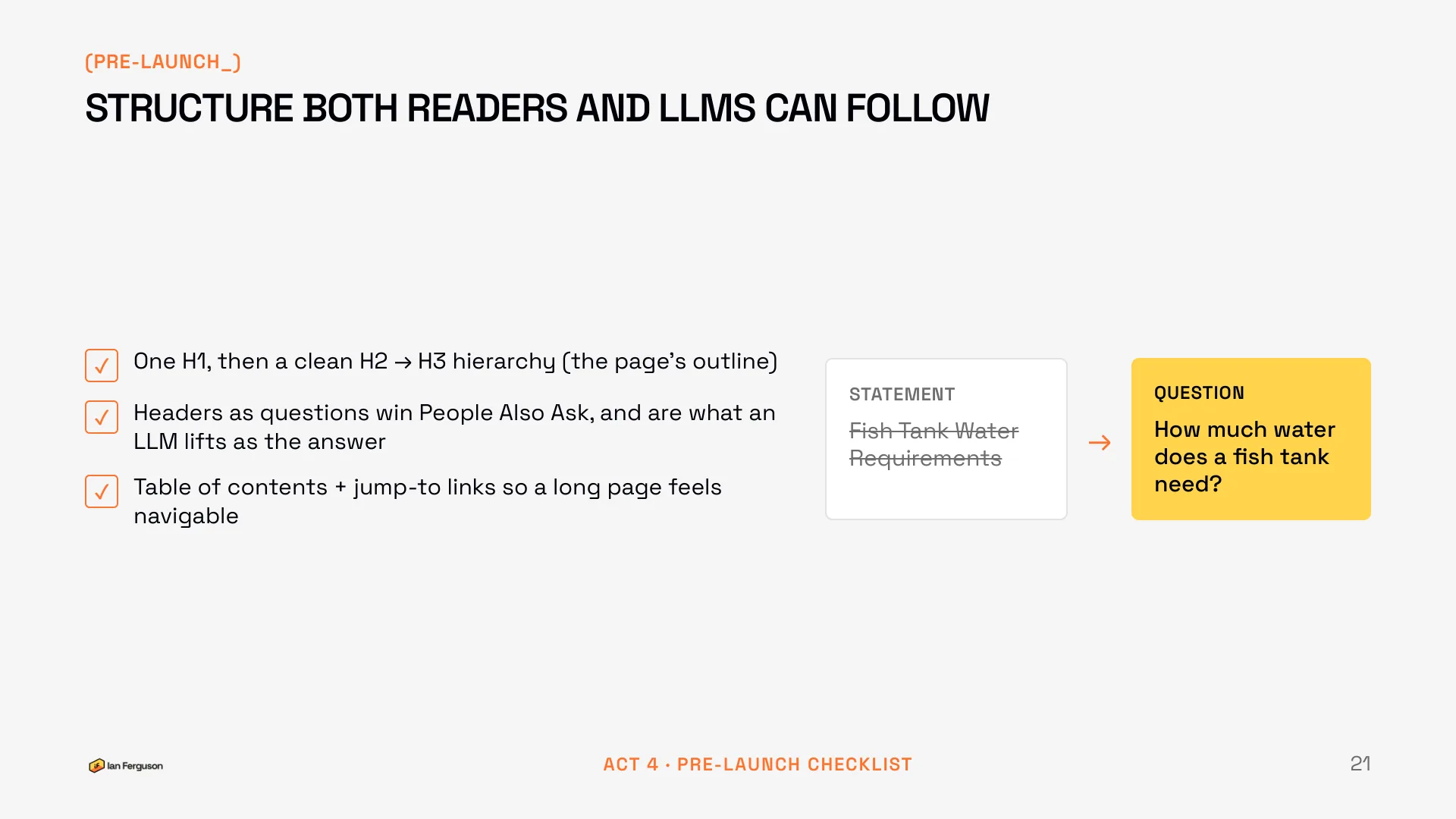
Structure both readers and LLMs can follow
- One H1, then a clean H2 to H3 hierarchy. That is the page's outline, and it should read as one.
- Headers phrased as questions. This is the single biggest win on the list: it takes the People Also Ask box, and a question followed by a tight answer is exactly the chunk an LLM lifts.
- A table of contents with jump links, so a long page feels short.
The example I used: "Fish Tank Water Requirements" is a statement heading. "How much water does a fish tank need?" is the same heading phrased the way somebody actually types it.
Write it so a machine can quote you
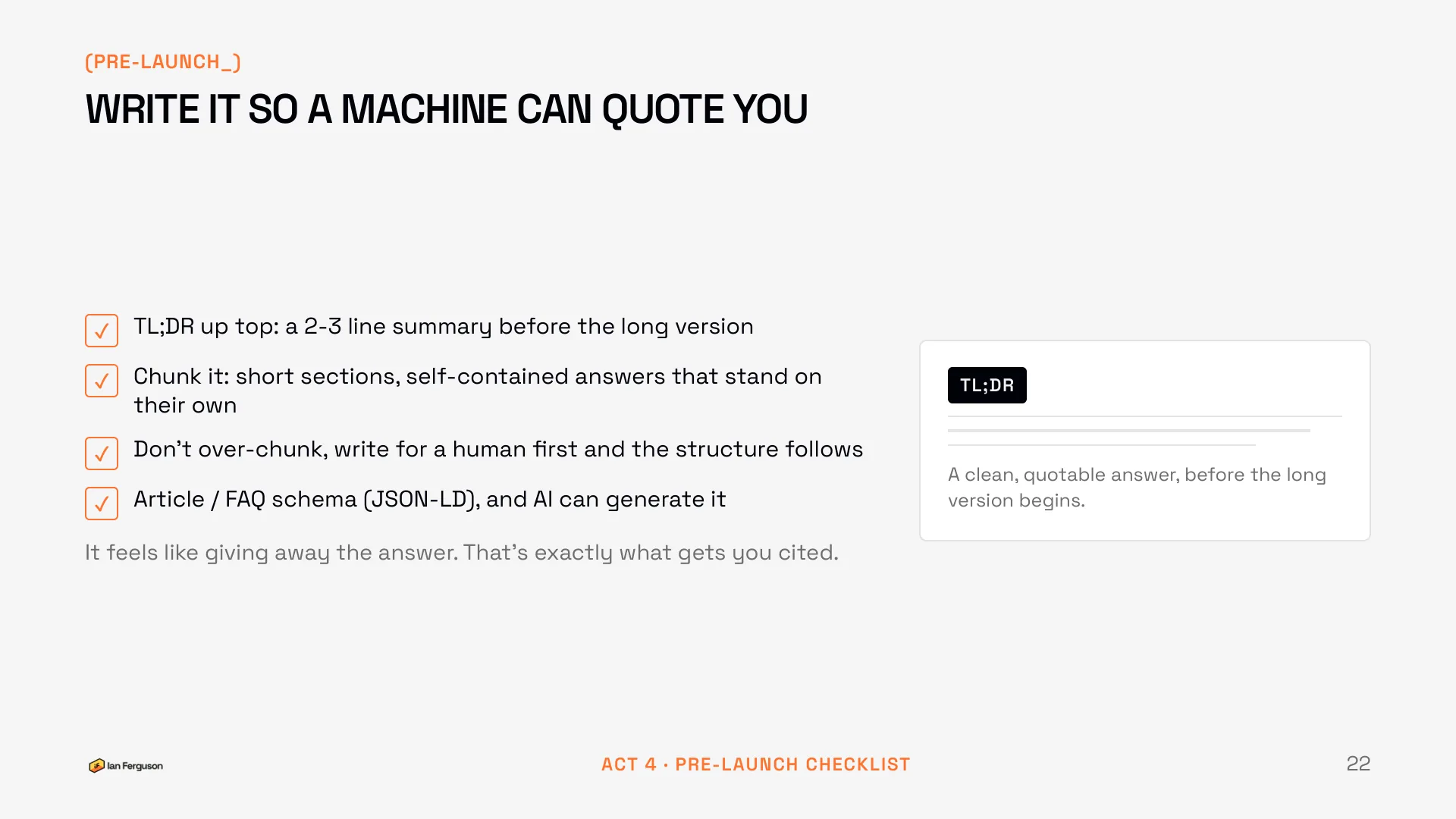
- A TL;DR at the top: two or three lines of summary before the long version. The LLM quotes it, and the skimmer decides you're worth reading.
- Chunk it: short sections, each a self-contained answer that stands on its own.
- Don't over-chunk. Write for a human first and the structure follows.
- Article or FAQ schema as JSON-LD. Ask the AI to generate it; that's one job it does perfectly well.
It feels like giving the answer away. That's exactly what gets you cited.
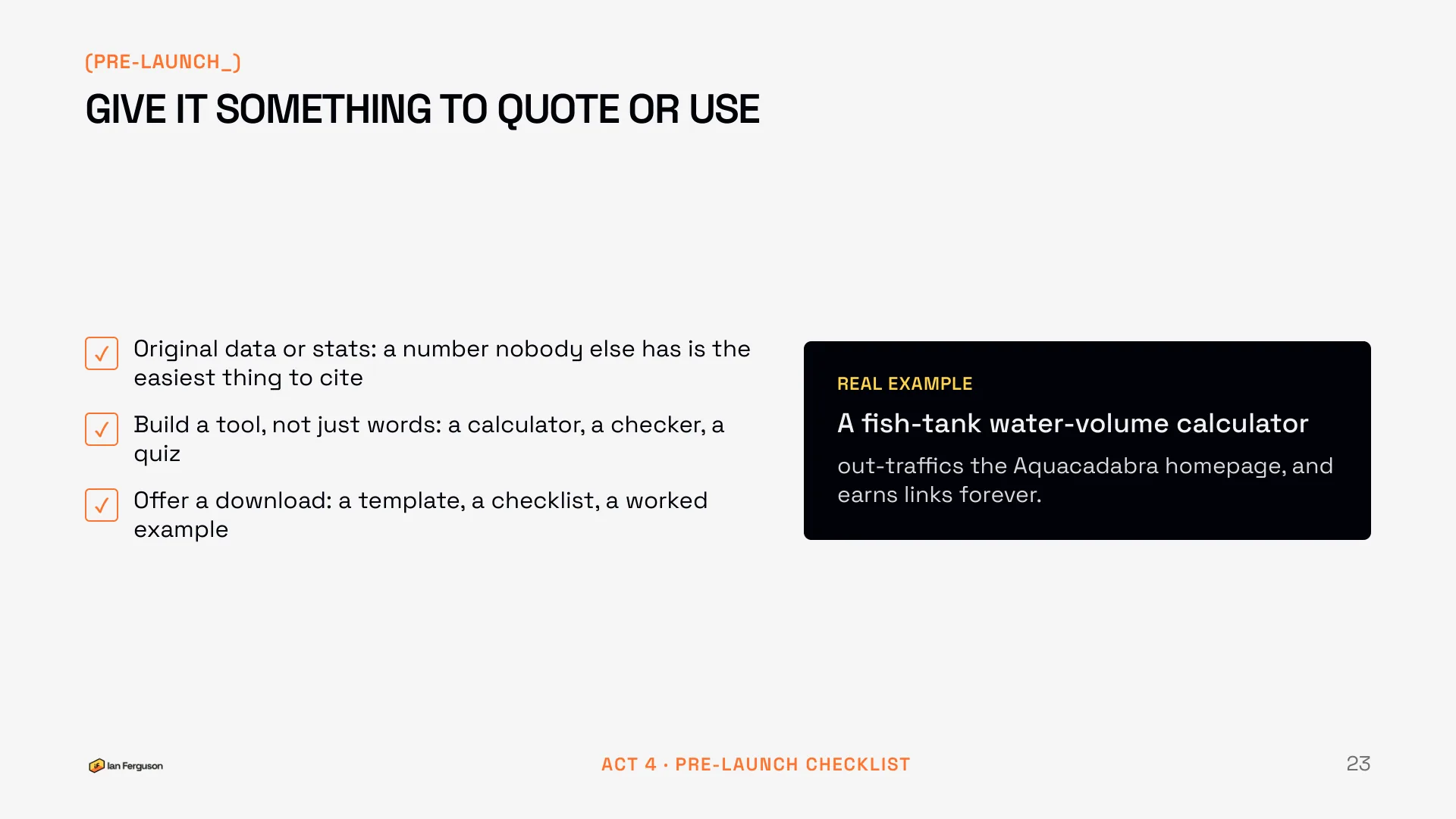
Give it something to quote or use
This is what separates a page that ranks from a page that gets cited and linked to.
- Original data or stats. A number nobody else has is the easiest thing on the internet to cite, and it can come from your own small survey.
- Build a tool, not just words: a calculator, a checker, a quiz. You don't need a developer for this any more. (I've got two free ones on this site built without a developer.)
- Offer a download people will actually use: a template, a checklist, a worked example.
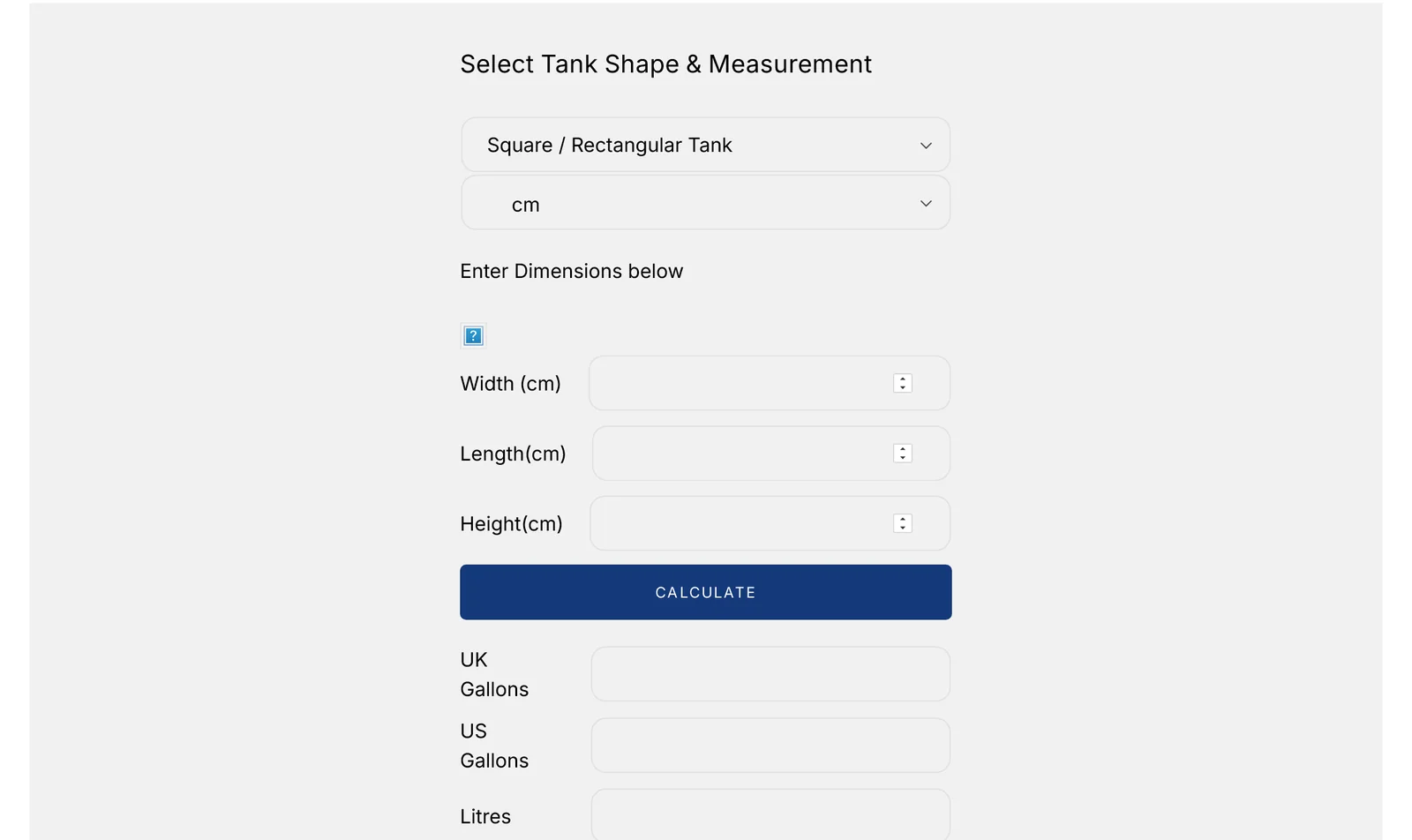
Real example: a fish-tank water-volume calculator I built for Aquacadabra out-traffics their homepage, and it has earned links ever since. A page of words about tank sizes would never have done that.
Hitting publish isn't the finish line
Everything so far just gets the page live. This is the bit everyone forgets, and it's where the easy wins hide. The most common freelancer miss I see is publishing and walking away.
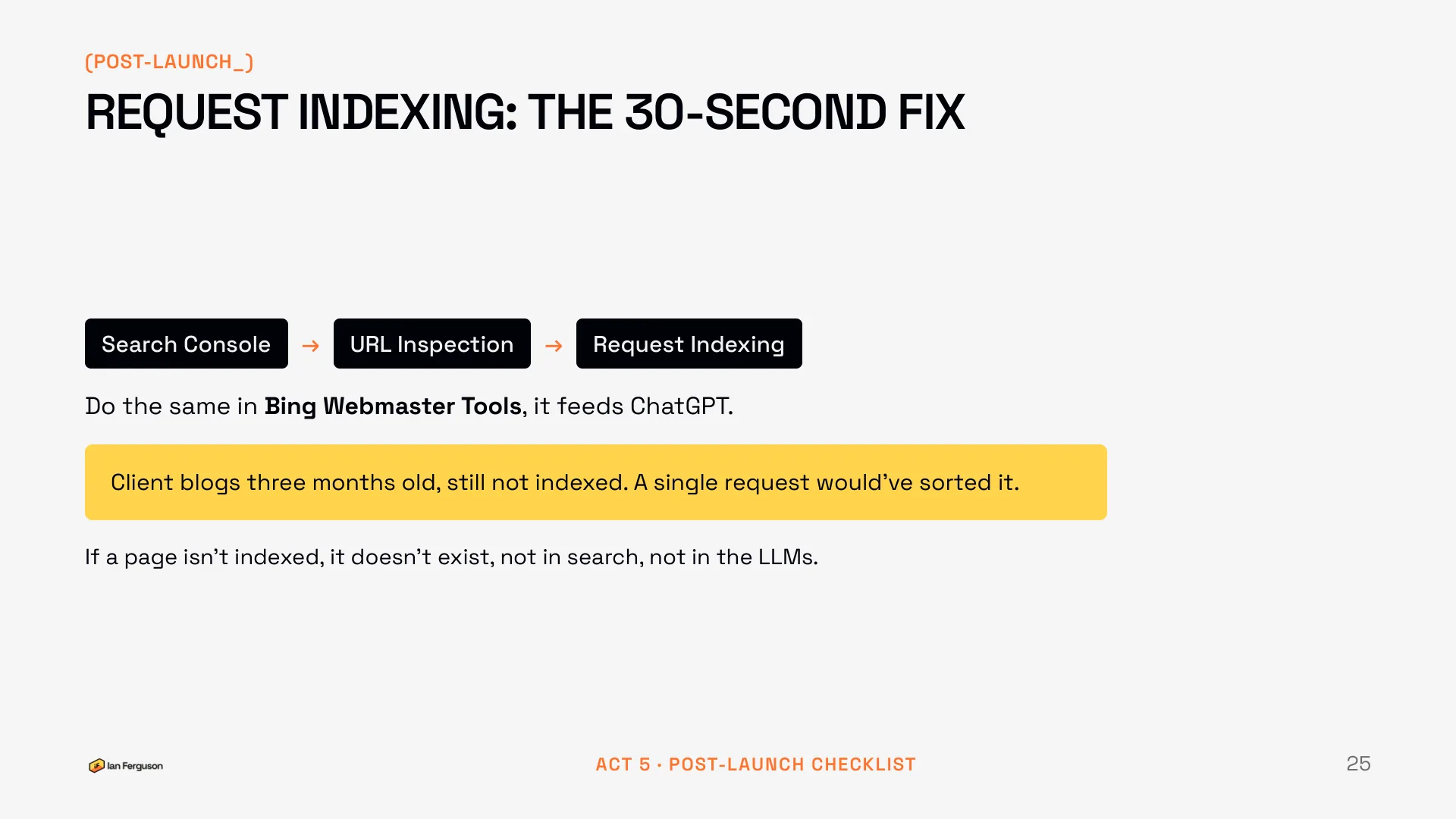
Request indexing: the 30-second fix
New pages can sit unindexed for weeks. Open Search Console, paste the URL into URL Inspection, and click Request Indexing. Then do the same in Bing Webmaster Tools, because Bing feeds ChatGPT.
I've had a client with blog posts three months old that had never been indexed. A single request would have sorted it. If a page isn't indexed, it doesn't exist: not in search, and not in the LLMs either.
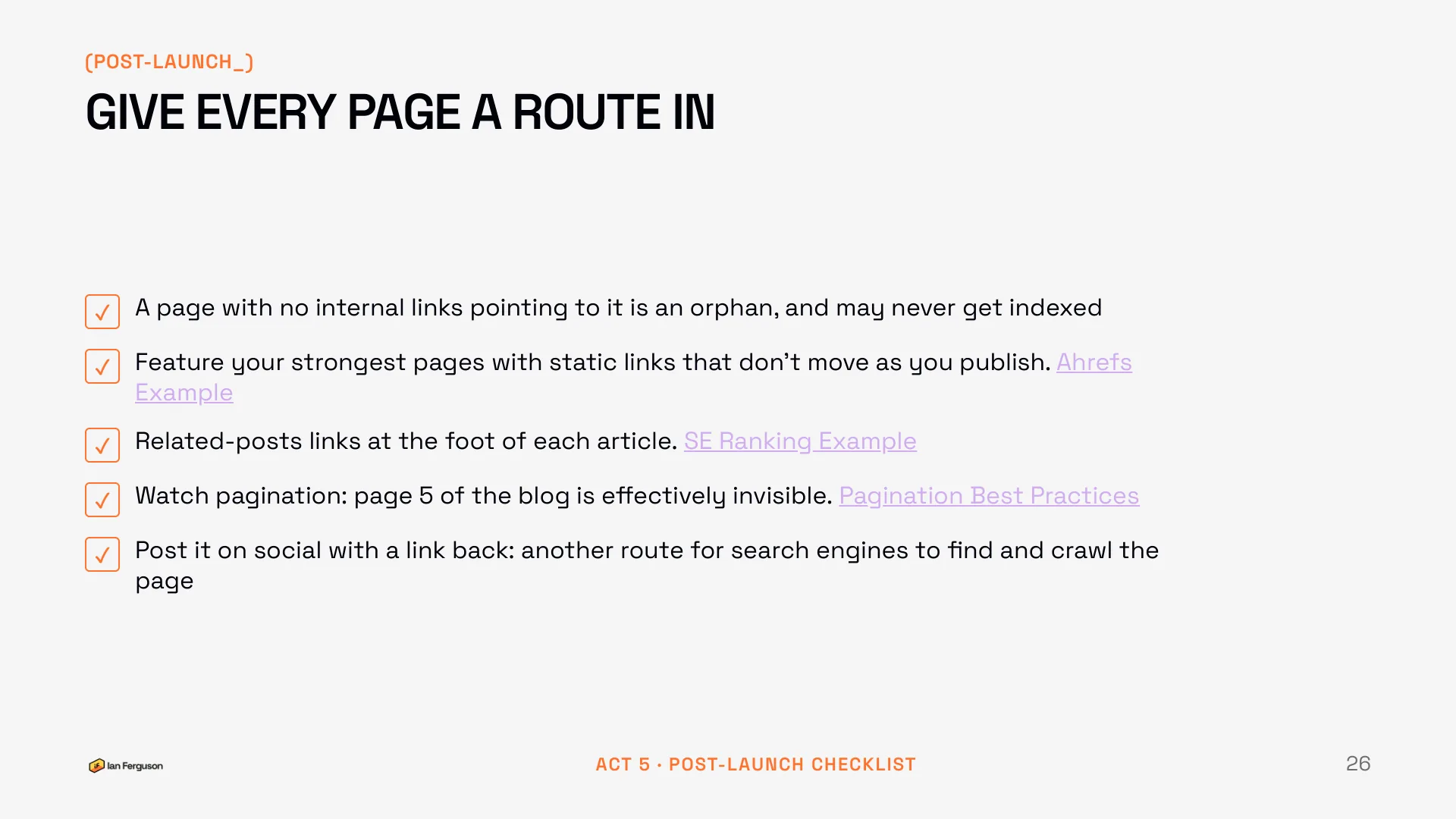
Give every page a route in
- A page with no internal links pointing to it is an orphan, and it may never get indexed at all.
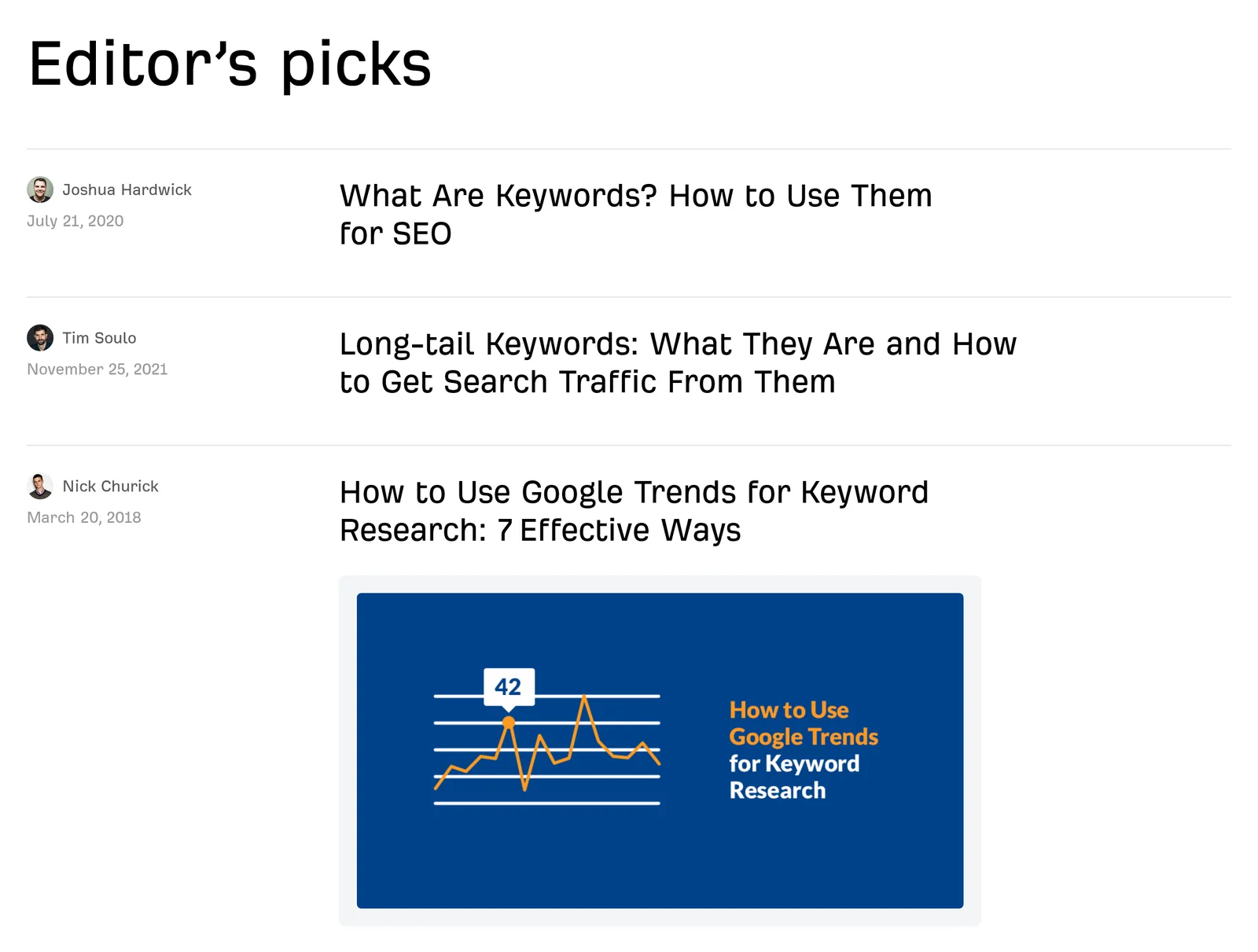
- As you publish more, your best old posts sink down the archive and lose their links. Feature your strongest pages somewhere static that doesn't move as you publish. Ahrefs' category pages are a decent example.
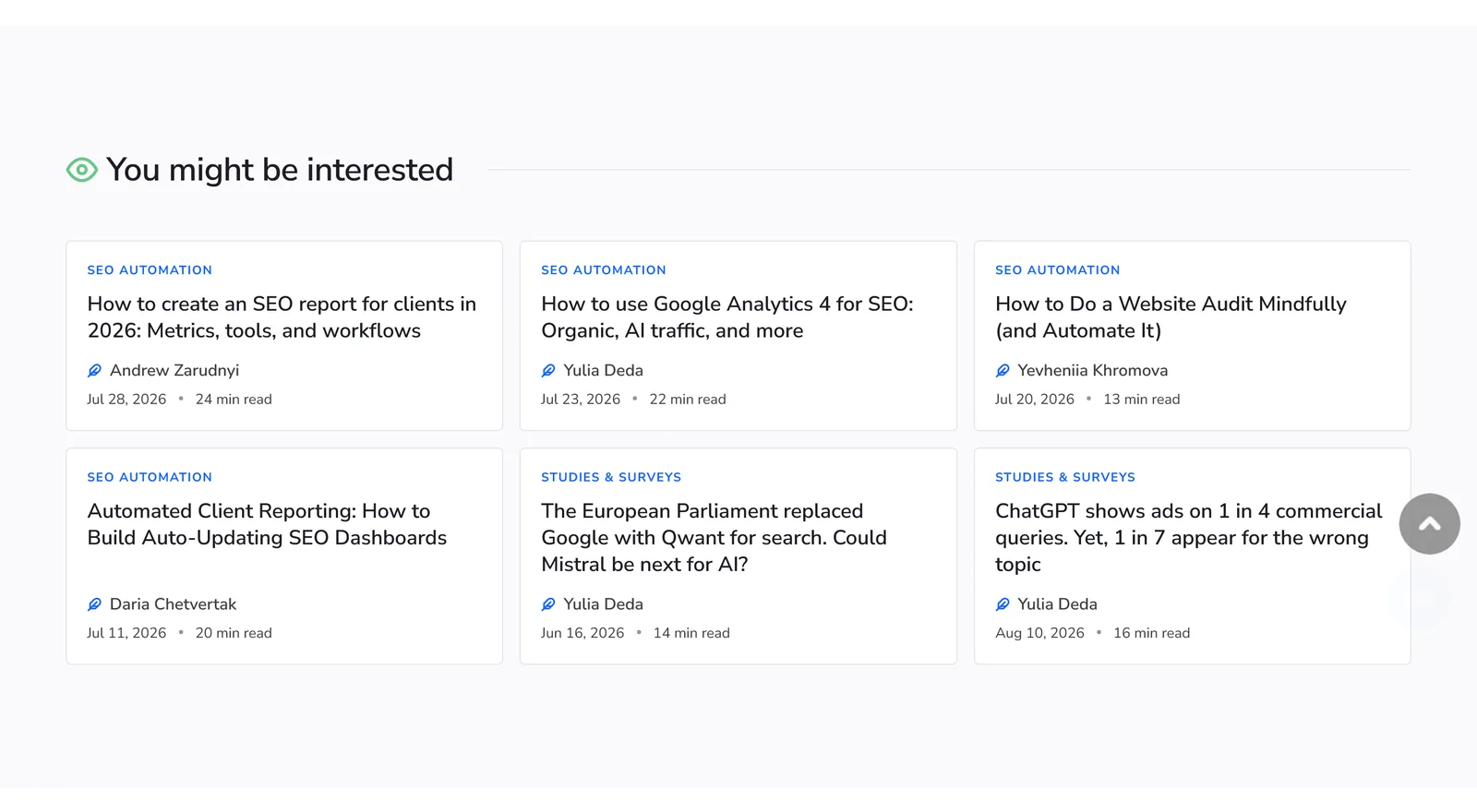
- Related-posts links at the foot of every article. SE Ranking's blog does this well.
- Watch pagination. Page five of the blog is effectively invisible, and Google has its own guidance on pagination worth reading.
- Post it on social with a link back. It's another route for search engines to find and crawl the page, and it costs nowt.
Zero-click is winning, so be the thing that gets quoted
Time to zoom out, because this is why the checklist matters more now than it did two years ago.
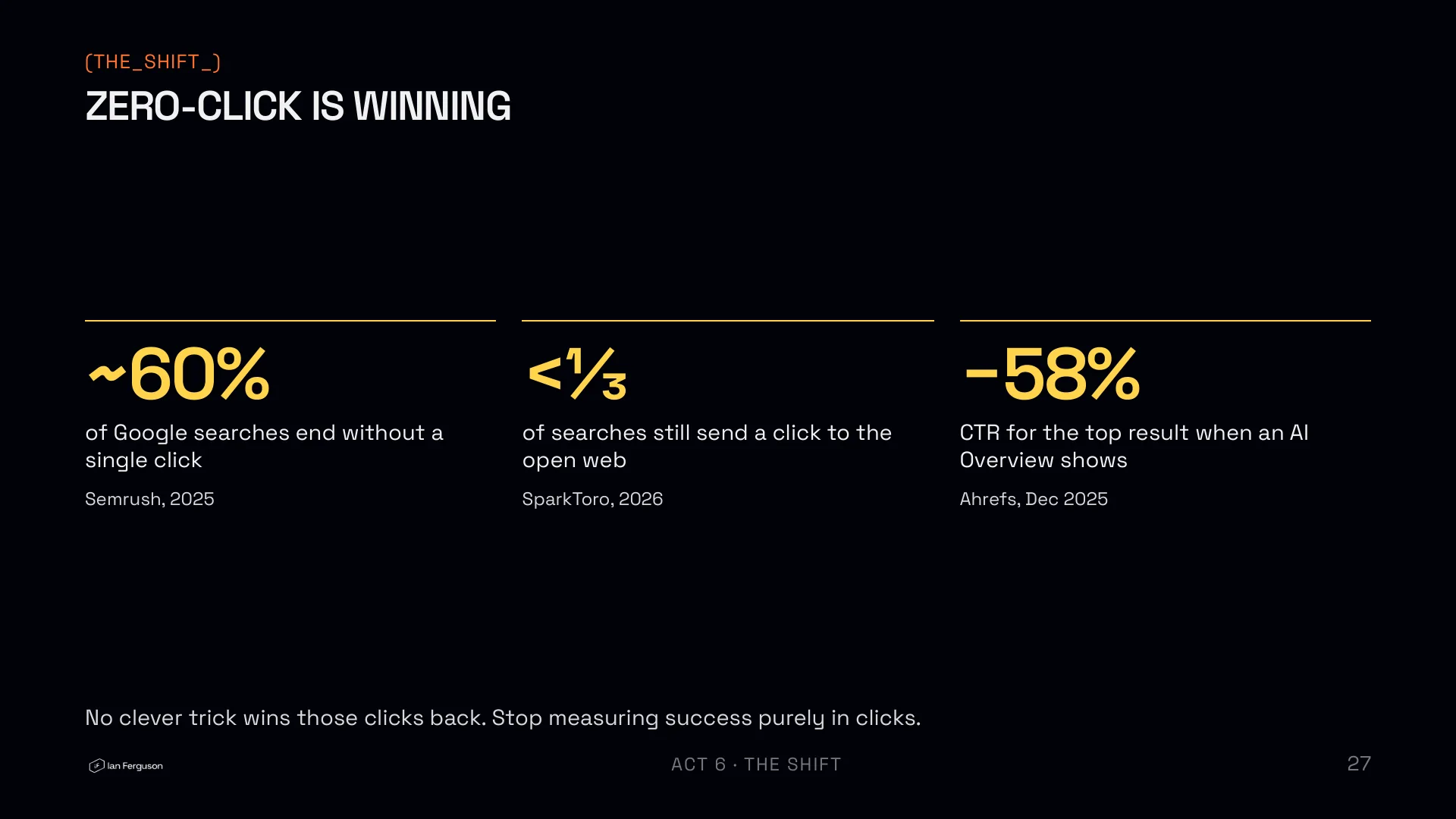
- Around 60% of Google searches end without a click. That's Semrush's 2025 zero-click study: 58.5% in the US and 59.7% in the EU.
- Fewer than a third of searches still send a click to the open web. SparkToro, US searches, January to April 2026.
- When an AI Overview shows, the top result's click-through rate drops by 58%. Ahrefs, December 2025, across 300,000 keywords.
One caveat for anyone UK-based, which was everyone in the room. Those are mostly US figures, and the UK picture is flatter: Datos and SparkToro's State of Search for Q2 2026 has EU and UK zero-click drifting between about 23% and 25% over fifteen months with no clear trend. The direction of travel is the same. The panic isn't warranted yet.
Either way, no clever trick wins those clicks back, and the honest move is to stop measuring success purely in clicks.
Citations are the new shelf space
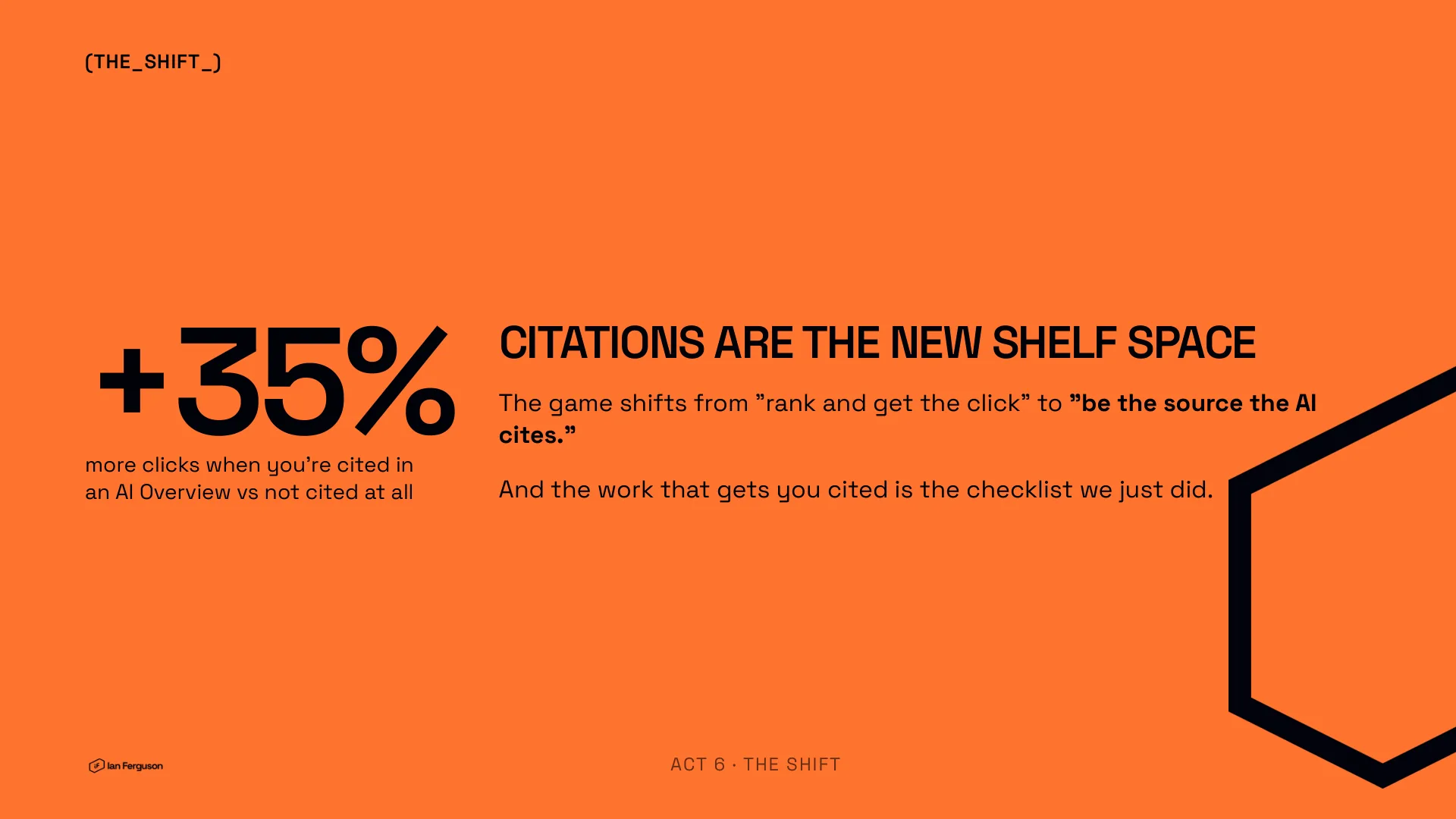
Here's the hopeful flip. Seer Interactive's study of 25 million impressions across 42 organisations, June 2024 to September 2025, found that when you're cited in an AI Overview you get about 35% more organic clicks than when you're not.
The game shifts from "rank and get the click" to "be the source the AI cites". And the work that gets you cited is exactly the checklist we've just walked through. It isn't a separate AI SEO discipline. It's the same good practice.
Don't let it sound like a robot
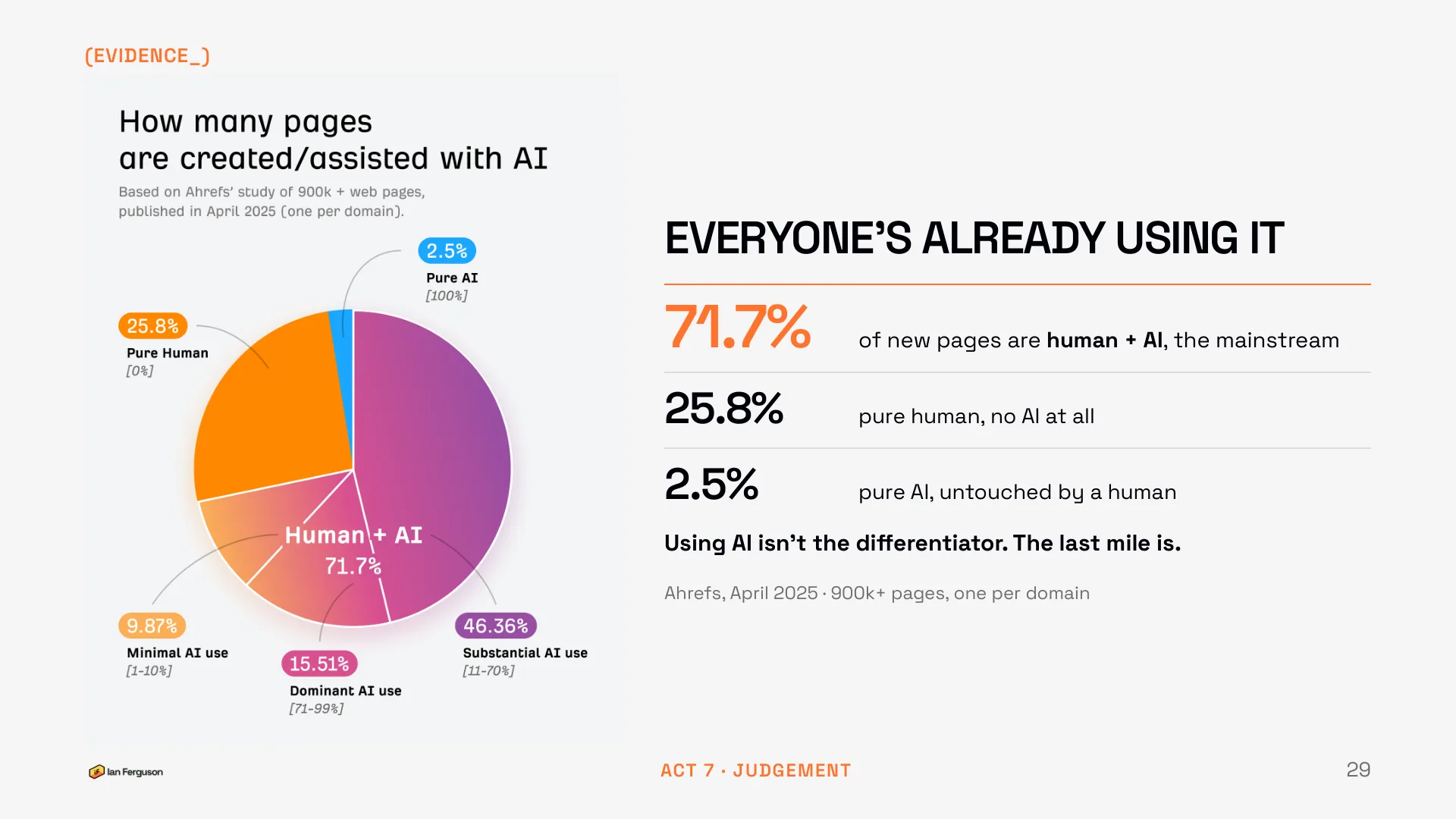
Some evidence first, and I won't labour it. Ahrefs checked 900,000 newly published pages in April 2025, one per domain. Only 25.8% were purely human-written. Pure AI was tiny, at 2.5%. The mainstream, 71.7% of everything new, was human plus AI.
So using AI isn't the differentiator any more. Everyone's using it. The last mile is.
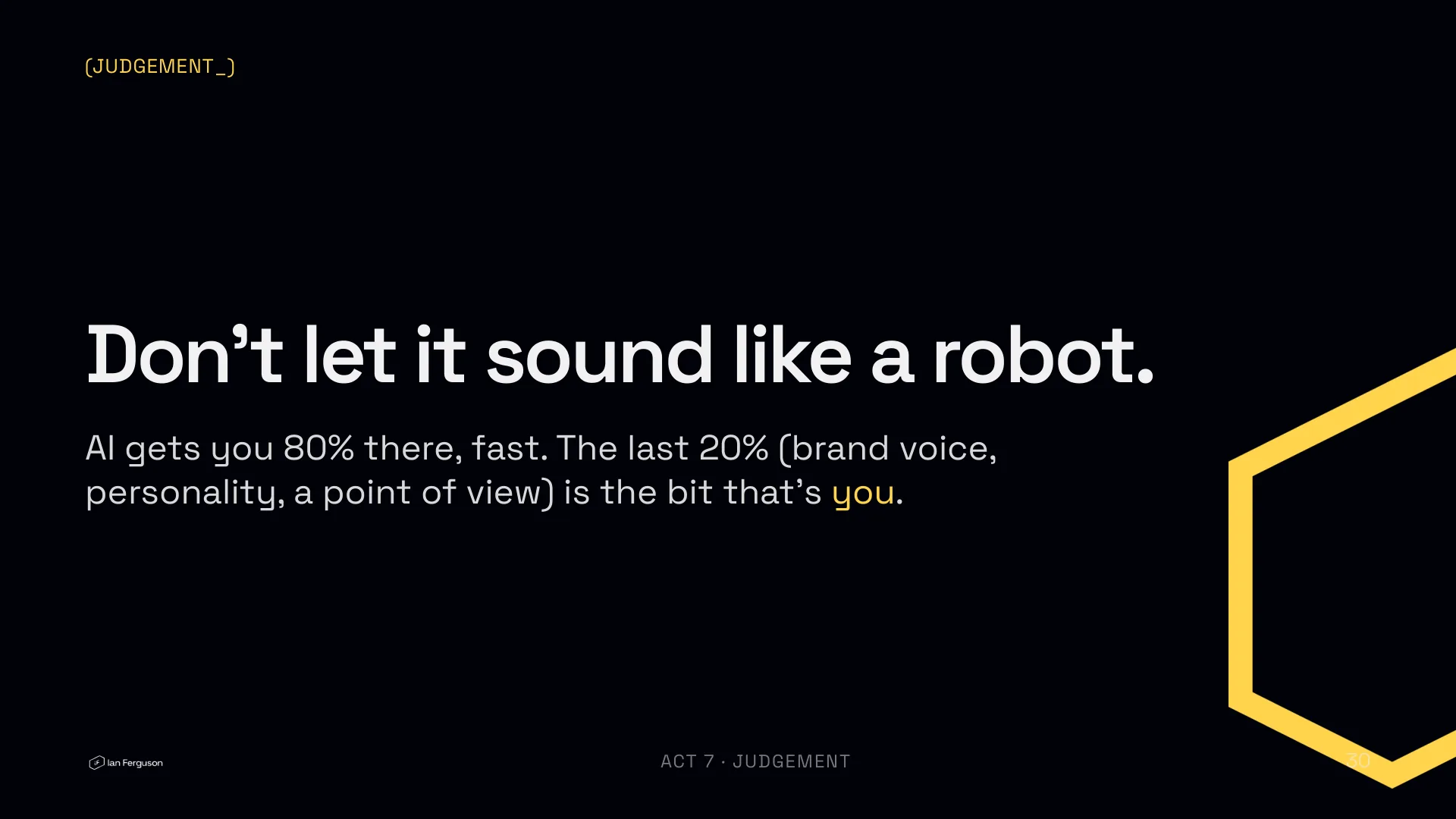
AI gets you 80% of the way there, fast. The last 20% is brand voice, personality and a point of view, and that's the bit that's you. Everyone in the room has access to the same tools. Your judgement is the product.
The whole checklist, one prompt
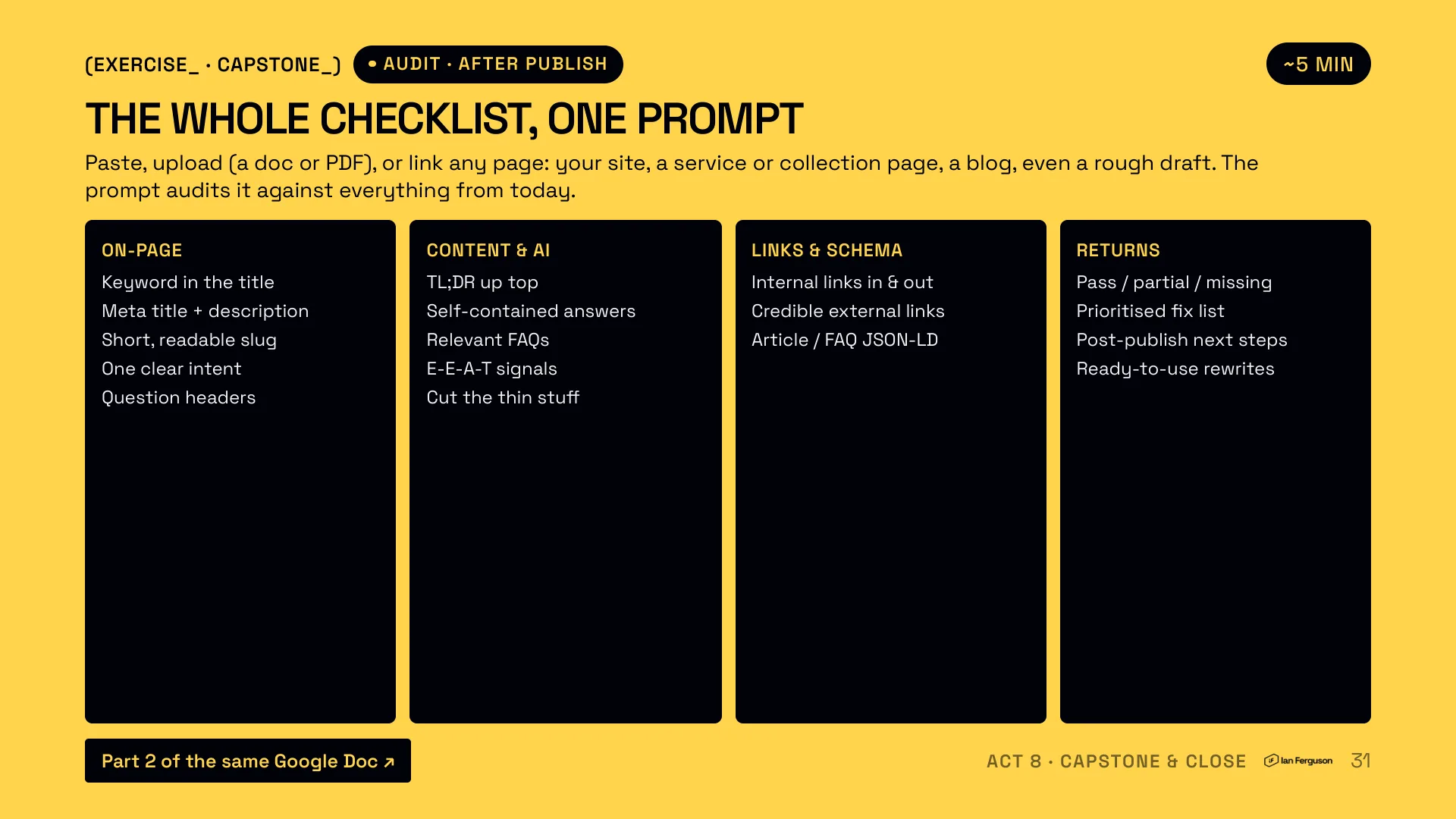
This is the title of the talk made literal. Paste any page, upload it as a doc or PDF, or just give it the URL: your site, a service or collection page, a blog post, even a rough draft. Then say "audit this". The Page Auditor half of the file above checks it against everything from today.
On-page
- Keyword in the title
- Meta title and description
- Short, readable slug
- One clear intent
- Question headers
Content and AI
- TL;DR up top
- Self-contained answers
- Relevant FAQs
- E-E-A-T signals
- Cut the thin stuff
Links and schema
- Internal links in and out
- Credible external links
- Article or FAQ JSON-LD
What you get back
- Pass, partial or missing, per item
- A prioritised fix list
- Post-publish next steps
- Ready-to-use rewrites
It'll ask you a few things first (what the page is for, whether it's live, what else on the site targets the keyword) and it'll tell you what it can't see, like the meta tags on a live URL, rather than marking them fine because they're probably there. Give it what it asks for and it does the rest.
What you've built
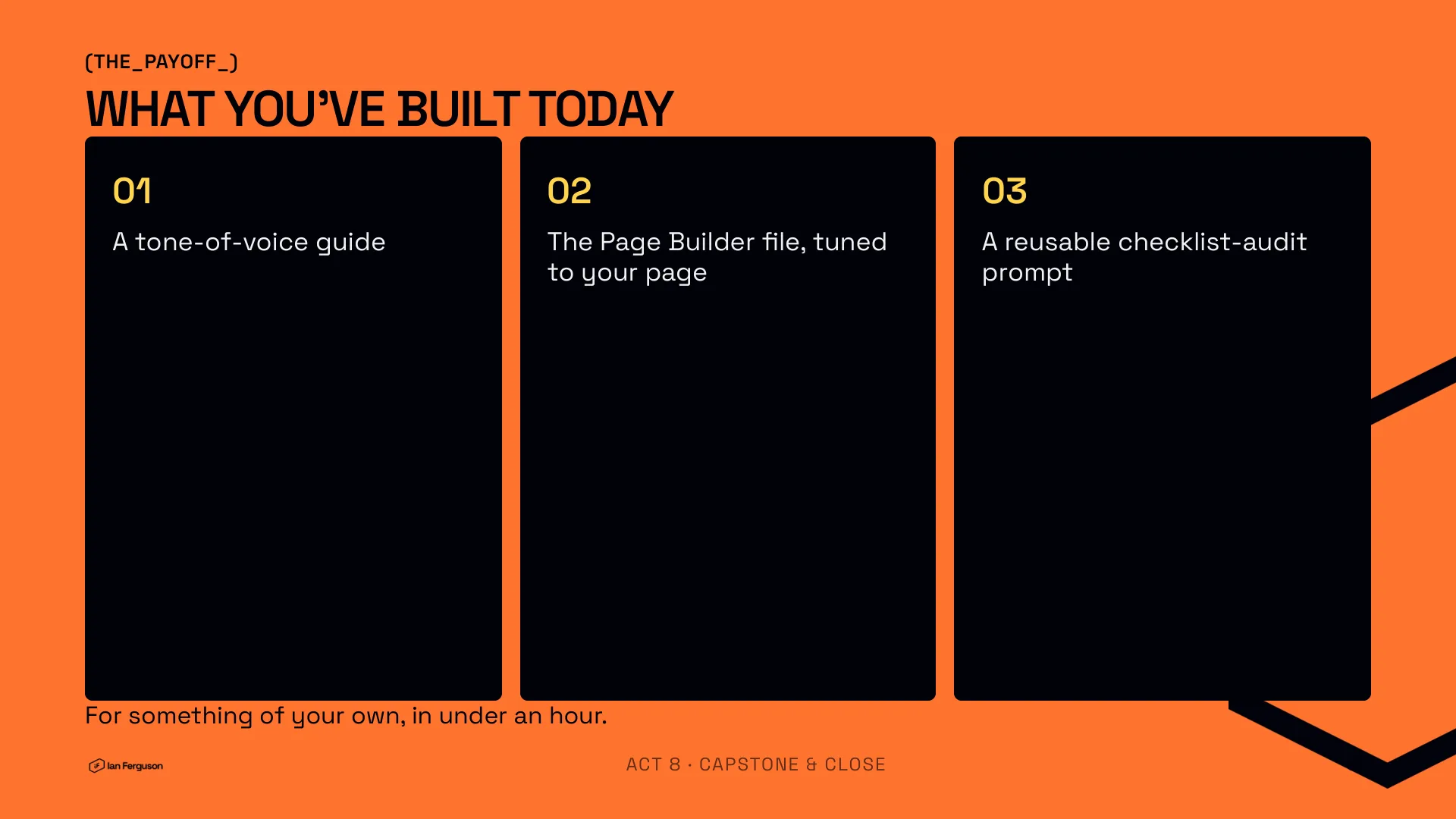
If you did the exercises rather than reading them, you now have a tone-of-voice guide, the Page Builder tuned to your own page, and a reusable audit prompt, all for something of your own, in under an hour. Run it on your next page this week, whilst it's warm.
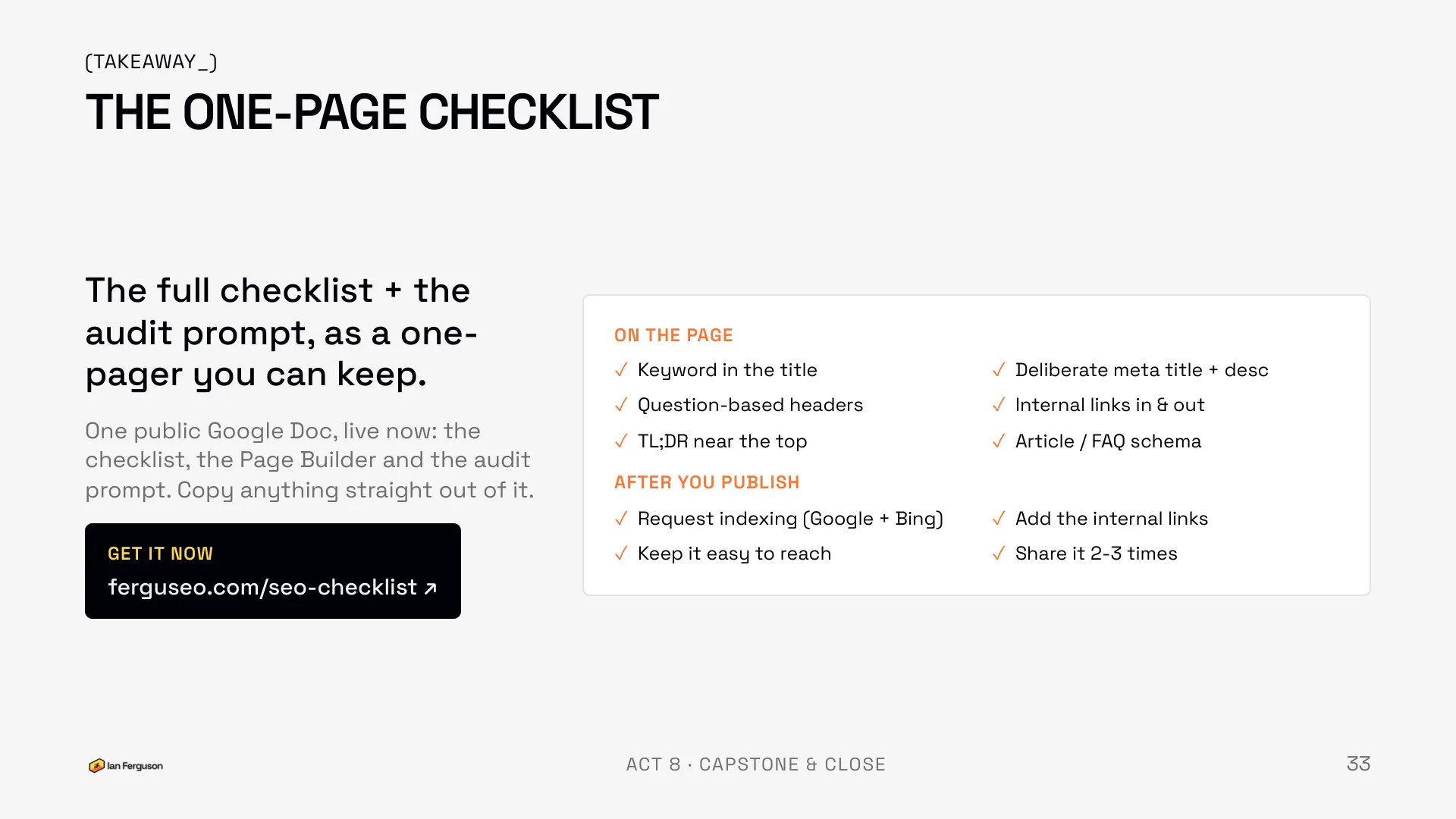
The one-page checklist
The whole talk, as the list you keep.
On the page
- Keyword in the title
- Deliberate meta title and description
- Question-based headers
- Internal links in and out
- TL;DR near the top
- Article or FAQ schema
After you publish
- Request indexing (Google and Bing)
- Add the internal links
- Keep it easy to reach
- Share it two or three times
The files
Everything from the session lives in one public Google Drive folder. Copy anything straight out of it.
- The Page Builder and Auditor (markdown). The file from above: load it into your project once.
- The tone-of-voice prompt (markdown). The one-liner from exercise 2.
- Google's helpful-content guidance, summarised. A plain-English version of Google's people-first content guidance, written to be loaded into a project. The original is on Google Search Central.
- Google's Search Quality Rater Guidelines (PDF). There's a copy in the folder too.
- The slides (PDF), the same deck as the one at the top of this page.
Questions I got asked
ChatGPT or Claude? Either. The free tier of both was enough for everything in the session, and the workflow is the same in each. What's loaded into the project matters far more than which model reads it.
Does AI content get penalised? No. Low-quality content gets penalised, whoever or whatever wrote it. See the helpful-content guidance above.
How do I stop it sounding generic? A real tone-of-voice guide loaded into the project, and your own edit on the way out. Those two things together are the difference between the 71.7% and the pages people actually read.
How do I measure success now? Impressions and citations, not just clicks. If the page is showing up and getting quoted, it's working, even when the click-through rate says otherwise.
Which keyword tool? Free options first. Search Console for what already lands, Google's own People Also Ask box for questions, and a paid tool only once you know what you'd do with the numbers.
If you run an ecommerce store and want more of this, once a week, that's what Ecommerce Prioritised is for.

Written by
UK-based ecommerce SEO consultant, helping online shops with the technical SEO and content that drive organic growth.
Get the next one in your inbox
Ecommerce Prioritised is a free weekly read on growing an ecommerce store: what to prioritise, what to ignore, and the changes worth acting on.
Filed in Talks & playbooks
Share LinkedIn