What do AI shopping assistants say about your store?
Shopify's Knowledge base is where you check and control the facts AI agents use to answer questions about your shop. Here's what's in it, what goes live without you, and a 15-minute check.
Jump to a section 9 sections
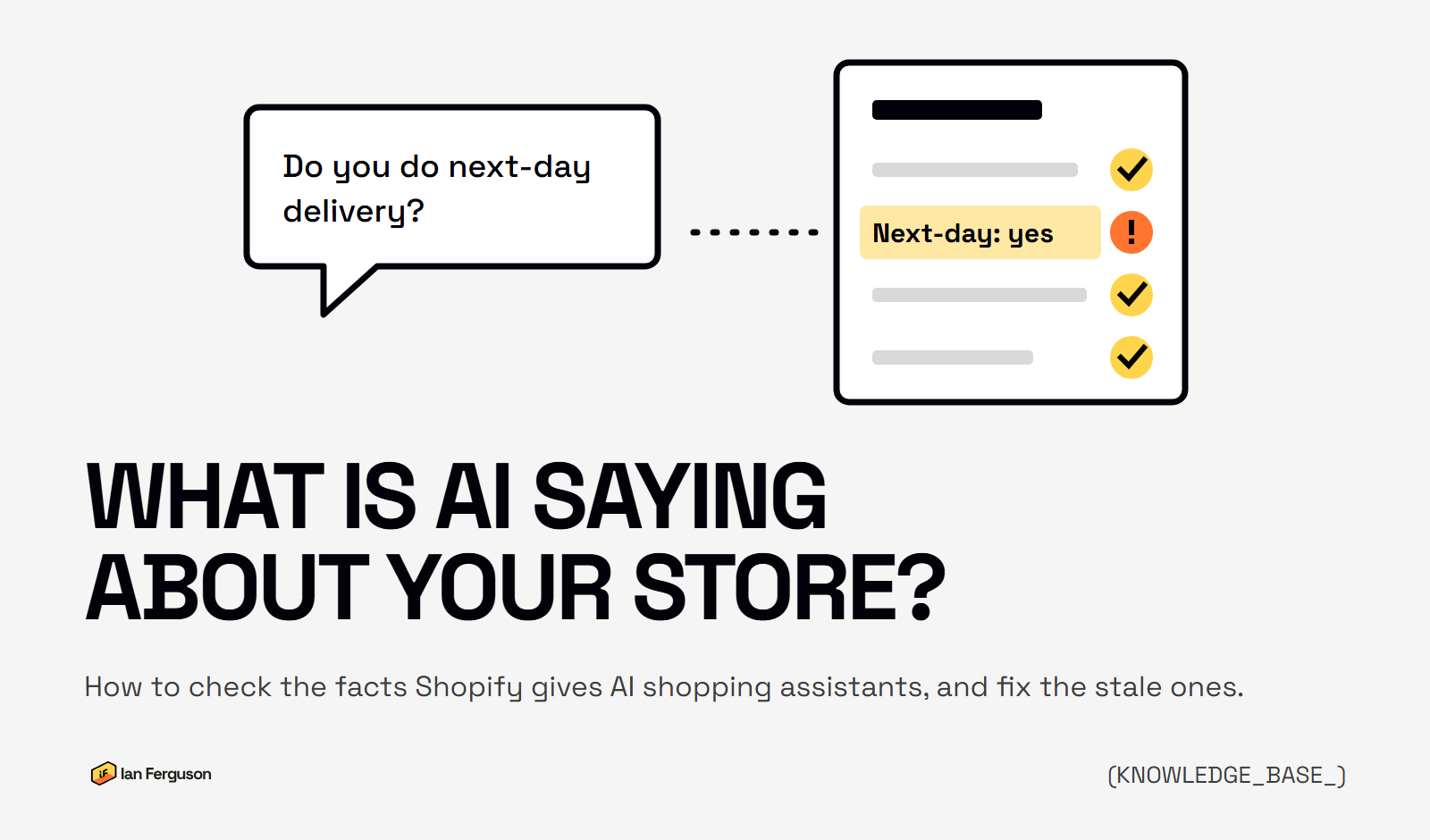
When someone asks an AI assistant whether your shop does next-day delivery, takes returns or ships to Ireland, the answer has to come from somewhere. On Shopify, some of it can now come from one page in your admin that most store owners haven't opened yet.
TL;DR. Shopify's Knowledge base (Sales channels > Agentic > Knowledge base) holds the non-product facts AI agents get about your store: returns, delivery, contact details, payment and the rest. Facts Shopify scans from your pages wait for you to publish them, but facts pulled from your admin, like your policies and contact details, go live straight away. So check your admin settings first, then work down the page with the check below. The old Knowledge Base app won't be available after 15 January 2027.
What is the Shopify Knowledge base?
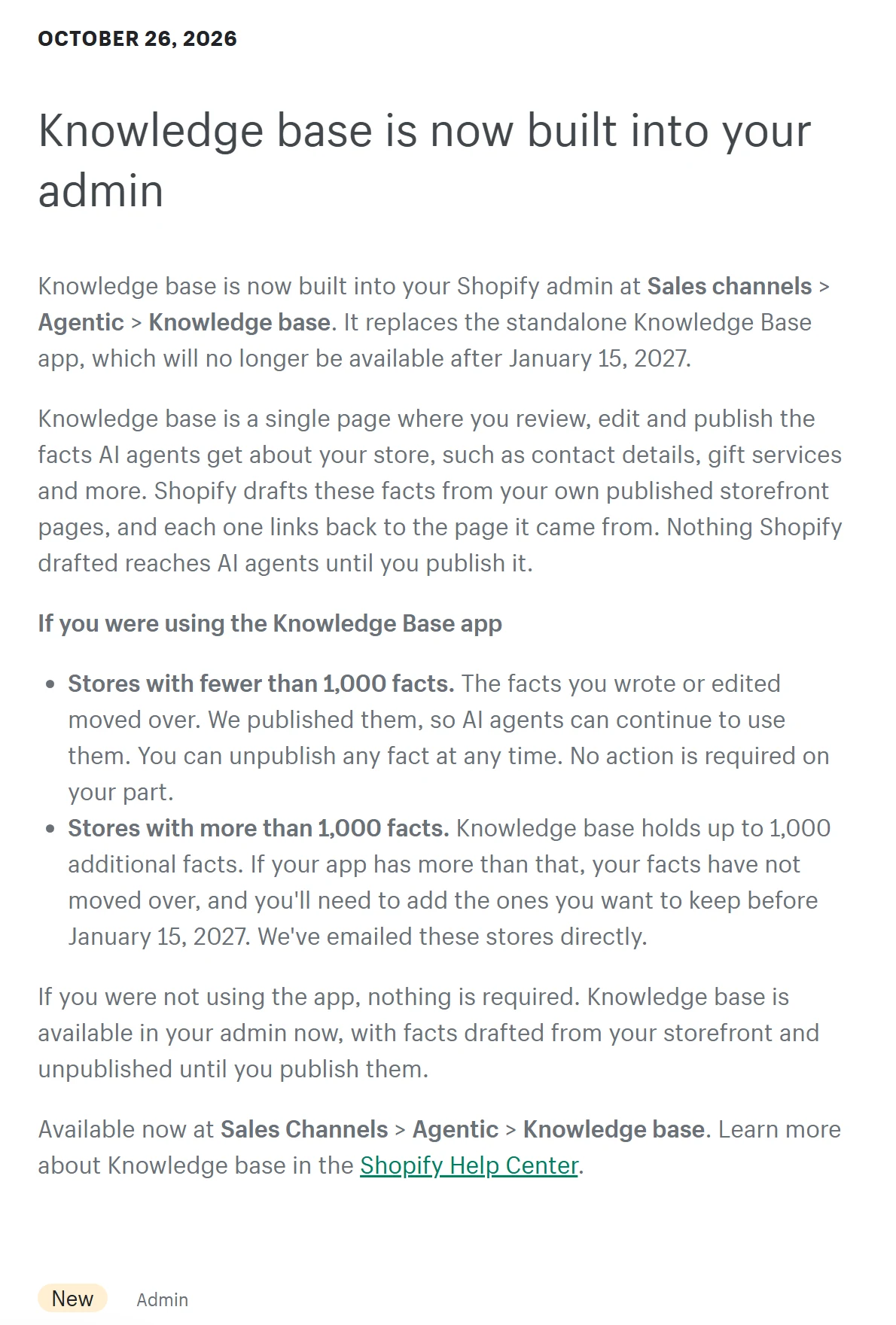
It's a page in your Shopify admin where you review, edit and publish the facts AI agents get about your store. Shopify launched it on 26 October 2026 and it replaces the standalone Knowledge Base app.
Shopify's help page calls these facts "the source of truth for AI agents for all non-product information about your store". Product information is handled separately, through your product data. The Knowledge base covers everything else a shopper might ask before they buy.
It's split into ten categories: About the Store, Brand and Identity, Company policies, Contact, Gift services, Payment, Returns & warranty, Second hand, Fulfillment (delivery, in Shopify's spelling) and Additional facts, which is anything else you want AI agents to know.
Every fact can carry reference links back to the page it came from, which Shopify passes to agents along with the fact so they can refer to where an answer came from.
Where do AI shopping assistants get facts about my store?
Shopify's agentic storefronts put your products in front of shoppers in ChatGPT, Google AI Mode and Gemini, Microsoft Copilot and Meta. The products come from your catalogue. The questions around them (can I return it, when will it arrive, do you deliver to me) are what the Knowledge base is for.
When a shopper asks about your store, Shopify says the agent can query your Knowledge base through the connection Shopify gives AI agents to ask a store questions. Your published facts are available to Shop and to third-party AI platforms that way.
It's also public. I asked one big Shopify brand's store the question "what is your returns policy" through that connection, with no login, and got plain statements straight back: returns accepted within 31 days of delivery, no restocking fee, and the customer pays return postage. That's what any agent using that connection gets. If those facts were two years out of date, it would get those instead.
Two things to keep in proportion. Shopify doesn't say which assistants read the Knowledge base, or how often. And ChatGPT and the rest also read your website, your reviews and anything else written about you. So the Knowledge base isn't the whole picture, but it's the part you control directly.
One catch for UK shops. Every one of Shopify's AI channels needs you to sell to customers outside the UK: ChatGPT and Copilot need the United States, Google AI Mode and Gemini the United States, Canada or Australia, and Meta one of six countries that doesn't include the UK. Your store can be based anywhere, so if you ship to the US you're in. If you only sell in the UK, your products aren't in those channels yet, but your published Knowledge base can still be read today, so it's worth getting right before that changes.
Which facts go live without you checking them?
Each fact has a source, shown by the icon next to it, and the source decides whether it waits for you.
- Scanned from your store. Shopify reads your published pages and drafts facts from them. These stay unpublished until you publish them, so nothing Shopify guessed from your pages reaches an AI agent without your say-so.
- From your Shopify admin. In Shopify's words, "the facts that are linked to your Shopify admin, such as your store policies and your contact details, are published when Shopify creates them". So these are live already, whether you've looked at them or not.
- Manual. Anything you've typed in yourself. It's yours to keep up to date, because Shopify won't touch it.
If your shipping policy in the admin still promises the delivery times you had in 2022, or the contact phone number is the one you had before you moved warehouse, that's already what AI agents are being told. The scanned facts can't hurt you until you publish them. The admin facts are the ones to check first.
Two setups get less than the full picture. If your store is password-protected, Shopify can't scan it, so the Knowledge base only shows what's in your admin. And if your site isn't built on a Shopify theme, or you're on Shopify's Agentic plan, you'll only have the facts you add yourself.
How do I check what ChatGPT says about my store?
Ask it. This shows what an assistant tells a customer whatever its source, your Knowledge base or anything else it's read, so do it before you change anything.
Five questions
Ask the assistants what your customers ask
- Open ChatGPT, Gemini and Copilot. Use a temporary chat, or a browser you're not logged into, so your own history doesn't steer the answer.
- Ask each one five questions, naming your store: Do you do next-day delivery? How long do I have to return something? Do you ship to Ireland? Do you do gift wrapping? How do I contact you?
- Write down every answer that's wrong, out of date or missing.
- For each wrong answer, find where the right fact should live: a Knowledge base category, a page on your site, or both. That's your fix list for the Knowledge base.
Don't panic over one odd answer. These tools give slightly different answers each time, and they mix your own facts with whatever else they've read. What you're looking for is the same wrong fact coming back more than once, because that usually points to a source you can fix.
How do I check my Shopify Knowledge base?
Give it fifteen minutes. Go to Sales channels > Agentic > Knowledge base in your admin and work down it category by category. For each fact, click the source icon to see where it comes from, then fix it at that source.
Company policies Live already
Comes from: your Policies section in Settings.
What goes wrong: policies written when the shop opened and never updated, or policy text that says something different from your delivery and returns pages. Shopify also flags any policy that's missing.
The fix: update the policy in Settings > Policies, then check it matches what the pages on your site say. If you sell through ChatGPT, Shopify needs your terms of service, privacy policy and returns policy filled in there anyway.
Contact Live already
Comes from: your Shopify admin.
What goes wrong: an old phone number, the registered office instead of the address customers should use, or social profiles you stopped posting on years ago.
The fix: update it in the admin where the source icon points, then check the fact has changed. Delete any social field you don't want people sent to.
Fulfillment Check the icon
Comes from: your Shipping and delivery settings, your delivery pages, or both.
What goes wrong: delivery times from last year, a free delivery threshold you've since changed, international shipping you've stopped, or click and collect that ended when the shop closed.
The fix: if it's from your admin, fix the shipping settings. If it's scanned, fix the delivery page and approve the suggested update, or switch the field to Manual and type it in.
Returns & warranty Check the icon
Comes from: your returns policy and your returns pages.
What goes wrong: the returns window on your returns page doesn't match the one in your policy, or a warranty is mentioned that you no longer offer. When two sources disagree, you've no say over which one the agent repeats.
The fix: pick the right answer, make every page and the policy say it, then publish the fact.
Payment Check the icon
Comes from: the payment methods your checkout accepts.
What goes wrong: a buy-now-pay-later option you've switched off, or one you've added that isn't listed.
The fix: check it against your live checkout. If your site has a payment page, make it match.
About the Store Waits for you
Comes from: mostly scanned from your About page and home page.
What goes wrong: an About page that still says "family run with three staff" when you're now twenty, a founder who's left, or a service you've stopped offering.
The fix: edit the page first, so your site and the Knowledge base say the same thing, then publish the fact. If the scan's picked up marketing waffle, switch the field to Manual and write it plainly.
Additional facts Yours to write
Comes from: you.
What goes wrong: it's empty, so the questions your customers ask most have no answer here at all.
The fix: add the questions your customer service inbox answers every week.
For Brand and Identity, Gift services and Second hand, check each fact, fix it at its source, and delete any field that doesn't apply to you so it isn't answered wrongly.
If you've got a lot of unpublished scanned facts, don't hit Publish all. Read them first. They're Shopify's best guess from your pages, and a guess is only as good as the page it came from.
What should go in Additional facts?
The questions customers keep asking that the other categories don't cover. Your customer service inbox is the best list you'll get: if you answer the same question every week, it belongs here.
When I switched on the old Knowledge Base app for one client I work with, the first unanswered questions it showed were about wholesale orders and international shipping. Neither had an answer anywhere on the site, so an AI agent asked about either had nothing to go on. Shopify's help page for the new Knowledge base doesn't mention that list of unanswered questions, so don't count on it. Your inbox does the same job.
Each additional fact has a title and one of three types:
- Paragraph for anything that needs explaining, like how your loyalty scheme works. The agent uses your text but puts it in its own words.
- Yes/No for a straight answer, like whether you take wholesale orders.
- Tags for a list, like the materials you use or the certifications you hold.
Write the title the way a customer would ask it, keep the answer short and add a reference link to the page on your site that says the same thing. Shopify asks for the same thing: the content in your Knowledge base should match your storefront, with a public page to back it up.
What's happening to the Knowledge Base app?
The app can't be installed any more and won't be available after 15 January 2027. Here's the timeline, from Shopify's changelog and help page:
- 26 October 2026 · Knowledge base arrives in the admin
At Sales channels > Agentic > Knowledge base. It replaces the app. - Now · The app can't be installed any more
Stores with 1,000 facts or fewer in the app had their edited and added facts moved across and published for them. - Before 15 January 2027 · Stores with more than 1,000 facts re-add them
Their facts didn't move across, so anything worth keeping has to be added again by hand. Shopify says it's emailed those stores. - 15 January 2027 · The app is retired
The Knowledge base in your admin is the only place left to manage these facts.
If you used the app, the facts that moved across were published for you, and some may be answers you wrote a year ago, so read them again. If you never used it, there's nothing to move.
How do I keep the Knowledge base accurate?
Shopify rescans your store regularly and can offer new information as a suggested update, which you approve or reject. It never changes a fact on its own. That's good for control, but it means a change on your site doesn't reach the Knowledge base until you've approved it.
Shopify also says "a scan doesn't always detect a change that you make to your storefront". So:
- When you change delivery, returns or contact details, update the Knowledge base the same day. Don't wait for a scan to notice.
- If you've changed a lot at once, click Request rescan on the Knowledge base page. It can take up to 48 hours.
- Fix things at their source. Shopify's help page says to change admin-sourced facts where they live in your admin, so do that and check the fact afterwards. Switching a field to Manual works too, but then it's yours to remember next time it changes.
- Look for suggested updates monthly, around the same time you check your reports.
- Ask the assistants your five customer questions again every few months. If an assistant is still getting something wrong after the Knowledge base is right, the wrong fact is coming from somewhere else, usually an old page on your site or an out-of-date listing.
None of this needs an AI specialist. It's the same job as keeping your delivery page right, done in one more place. To see whether AI assistants are actually sending you sales, track AI referral traffic in GA4. And if you'd like a hand with the rest, here's how I help stores with AI search.
Questions I get asked
Where is the Knowledge base in Shopify? Sales channels > Agentic > Knowledge base in your admin. You need to be the store owner, or a staff member with the Agentic permission or the permission to view apps developed by staff and collaborators.
Does ChatGPT use my Knowledge base? Shopify doesn't name which AI platforms read it. Treat it as the part you control, not a guarantee of what any assistant says.
What's the Storefront MCP? It's the name of the connection AI agents use to read your published Knowledge base, and anyone can query it, so don't publish anything you wouldn't put on your site. Shopify's developer docs show it being folded into a newer system, which needs nothing from you.
Is there a limit on facts? Shopify's help page puts it at 1,000 in total, including the ones Shopify drafts for you.
If you run an ecommerce store and want more of this once a week, that's what Ecommerce Prioritised is for.

Written by
UK-based ecommerce SEO consultant, helping online shops with the technical SEO and content that drive organic growth.
Get the next one in your inbox
Ecommerce Prioritised is a free weekly read on growing an ecommerce store: what to prioritise, what to ignore, and the changes worth acting on.